7 guides
YouTube Video Editing Guides
Video editing guides for YouTube cover the software and techniques that hold retention: free editors like CapCut and DaVinci Resolve, AI-assisted tools like Descript, mobile workflows, plus the cut patterns — hooks, jump cuts, pattern interrupts — that keep viewers watching.
Video Editing
OBS Studio Complete Setup Guide for YouTube
A practical OBS Studio YouTube setup guide for creators who want clean video, crisp audio, stable recording, and livestream settings that work without turning the first upload into a technical headache.
May 10, 2026Read More ->
Video Editing
Descript AI Video Editor: Complete YouTube Guide
Descript changed how YouTube creators edit. Instead of scrubbing through a timeline, you edit your video like a Google Doc — delete a word from the transcript, and the video cut happens automatically. This complete guide covers every feature, workflow, and trick you need to know for descript youtube editing in 2026.
Mar 12, 2026Read More ->
Video Editing
DaVinci Resolve Tutorial for YouTube Beginners (Complete 2026 Guide)
Learn DaVinci Resolve from scratch with this in-depth YouTube beginner's guide. Master the Cut page, Color page, and audio tools — then export perfect videos every time, completely free.
Feb 26, 2026Read More ->
Video Editing
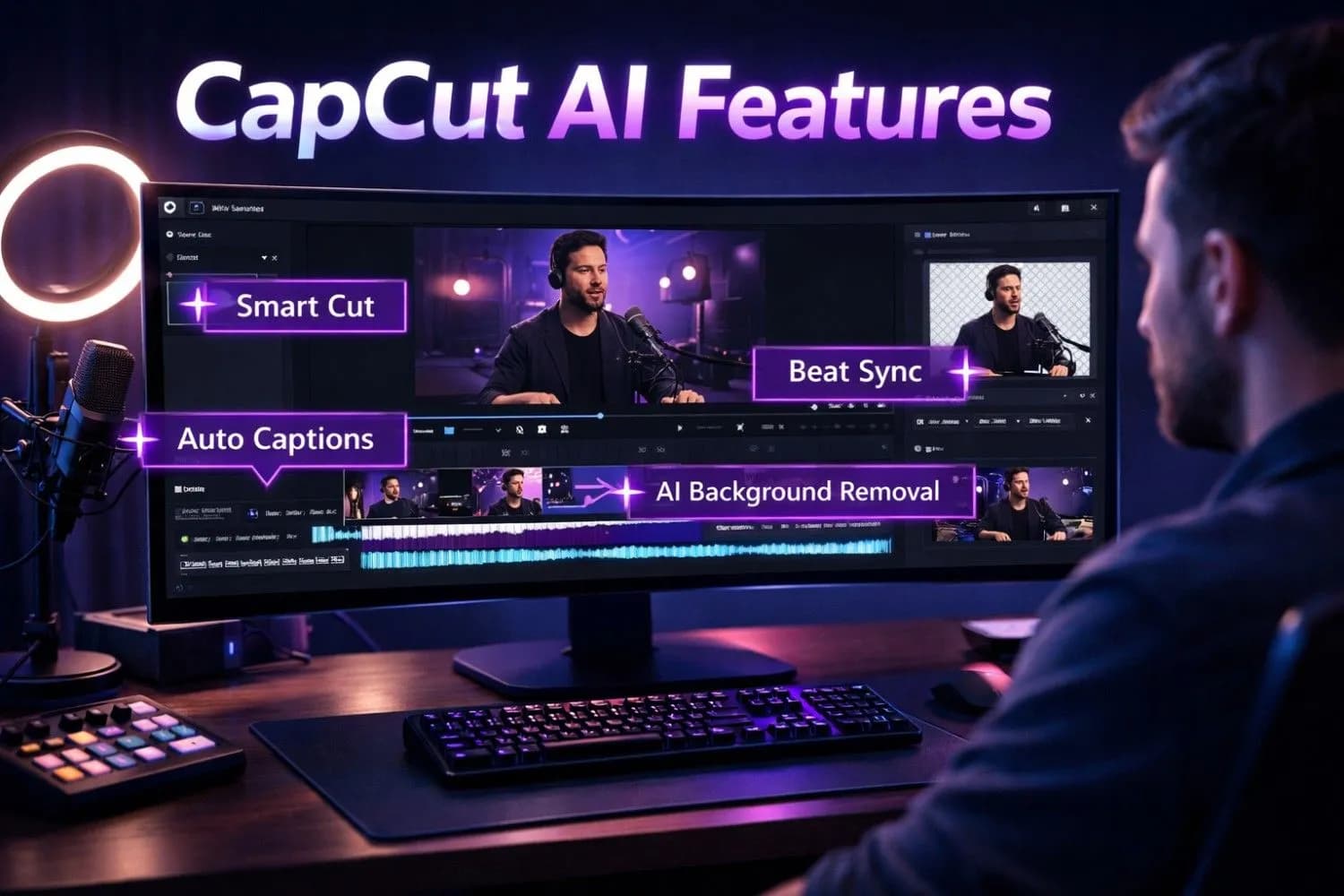
CapCut AI Features: Complete YouTube Editing Guide (2026)
Master every CapCut AI feature for YouTube editing in 2026. From AI background removal and auto-captions to smart cut, voice changer, and viral Shorts templates — this complete guide covers everything creators need to produce professional videos faster.
Feb 18, 2026Read More ->
Video Editing
Best Mobile Video Editing Apps (No Watermark) – 2026 Guide
Discover the best mobile video editing apps that export without watermarks. From CapCut to VN Editor, we compare 12 free and premium apps for iPhone and Android creators who demand professional, clean exports.
Feb 12, 2026Read More ->
Video Editing
Best Free Video Editors for YouTube 2026: 10 Professional Tools That Cost Nothing
Discover the 10 best free video editors for YouTube in 2026. From DaVinci Resolve to CapCut, compare features, export quality, system requirements, and find the perfect editor to create professional YouTube videos without spending a dime.
Feb 11, 2026Read More ->
Video Editing
15 Best AI Video Editing Software in 2026: Complete Review & Comparison
Discover the top AI video editing tools transforming content creation in 2026. From Adobe Premiere Pro's AI features to free options like CapCut, we compare pricing, features, and real-world performance to help you choose the best AI video editor for your needs.
Jan 31, 2026Read More ->
Video Editing — Frequently Asked Questions
What is the best free video editor for YouTube?
DaVinci Resolve is the most powerful free desktop editor (color and audio included); CapCut is the fastest for Shorts and social cuts. Both export 1080p+ with no watermark. Start with CapCut for speed, graduate to Resolve when you need fine control.
How long should it take to edit a YouTube video?
Beginners commonly spend 1–2 hours per finished minute. Batching, templates for intros/lower thirds, and cutting the script before recording get most talking-head channels to 30–60 minutes per minute — retention editing is where the time should go, not effects.
What editing techniques improve YouTube retention?
Cut every silence and restart, open with the payoff tease (hook) before context, change the frame or zoom every 20–40 seconds, add b-roll over every claim, and end sections with a question the next section answers.
Free tools for video editing
Apply these guides with free creator tools — no signup required.