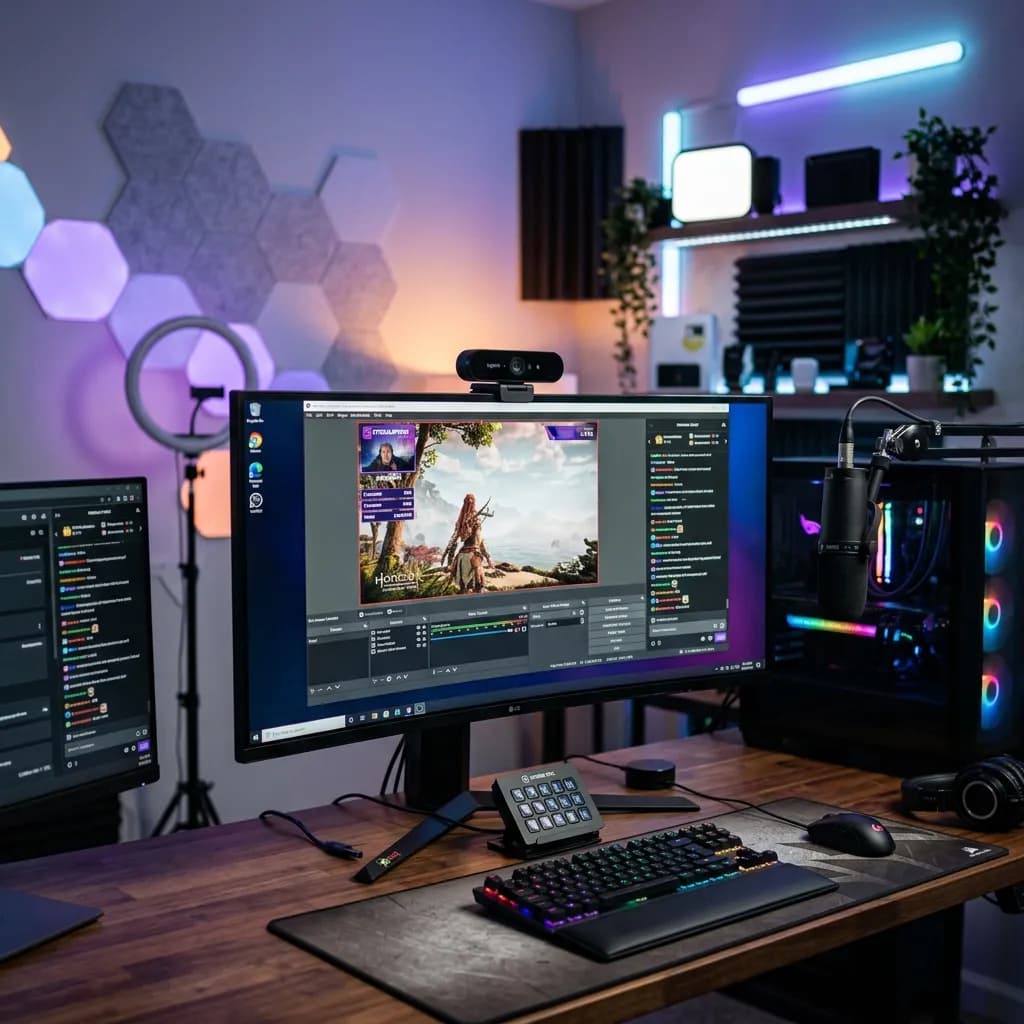
Let's get one thing out of the way immediately: nobody wants to watch a pixelated, grainy mess in 2026. You can have the most fascinating commentary on the internet, but if your video looks like it was shot on a potato from 2012, viewers will click off within the first five seconds.
Video quality is the silent metric that determines whether a viewer trusts you. It signals authority, professionalism, and production value before you even open your mouth. But here is the good news—you no longer need a $3,000 mirrorless DSLR and a capture card to get that crisp, cinematic look.
The webcam industry has undergone a massive evolution, bridging the gap between basic USB cameras and professional cinema rigs. Today, thebest webcam for youtubestreaming gives you uncompressed 4K video, AI-driven auto-framing, and massive sensors that absolutely devour low light.
In this guide, we are cutting through the technical jargon. We've rigorously tested the top contenders in actual streaming environments—with complex backlights, fast movements, and less-than-ideal room lighting—to bring you the absolute best webcams for YouTube streaming in 2026.
Important
Why Video Quality Impacts Algorithmic Retention:
High-resolution, sharp video directly correlates with Average View Duration (AVD). When viewers perceive high production value, their threshold for clicking away increases. Furthermore, crisp video allows you to pull high-quality still frames directly from your footage to run through our YouTube Thumbnail Downloader or use as a base for custom thumbnail design.
---
1. Elgato Facecam Pro: The 4K Heavyweight Champion
If you want the absolute highest, uncompressed image fidelity without buying a dedicated mirrorless camera, the Elgato Facecam Pro is the undisputed king. It is the first webcam to truly push 4K resolution at a buttery smooth 60 frames per second.
Why it wins for YouTubers:
The sensor inside this thing is massive compared to standard webcams. It absorbs light brilliantly, meaning you don't need a blinding ring light positioned three inches from your face. But the real magic happens in Elgato's Camera Hub software. It gives you DSLR-level control over ISO, shutter speed, and white balance, ensuring your skin tones look natural, not washed out.
The Pros:
* True 4K60FPS: Unmatched fluidity and sharpness. If you do gaming streams or fast-paced tutorials, the 60FPS makes a massive difference.
* Variable Focus Lens: Unlike cheap fixed-focus webcams, the autofocus on the Facecam Pro is fast and highly accurate.
* PTZ via Software: Because the resolution is so high, you can digitally pan, tilt, and zoom without the image degrading into a blurry mess.
The Cons:
* It is a very large unit. It will dwarf a thin laptop screen and requires a sturdy monitor mount.
* It demands a fast USB-C connection—older hubs will bottleneck the 4K60 output.
*Pro-tip: Don't forget that incredible video needs incredible audio to match. If you are upgrading your visuals, make sure you also check out our guide on the Best Wireless Lavalier Microphones for YouTube.*
---
2. Insta360 Link: The AI Tracking Masterpiece
If your YouTube content involves moving around—whether you are an educator writing on a whiteboard, a fitness instructor, or a tech reviewer holding up products—the Insta360 Link feels like actual magic.
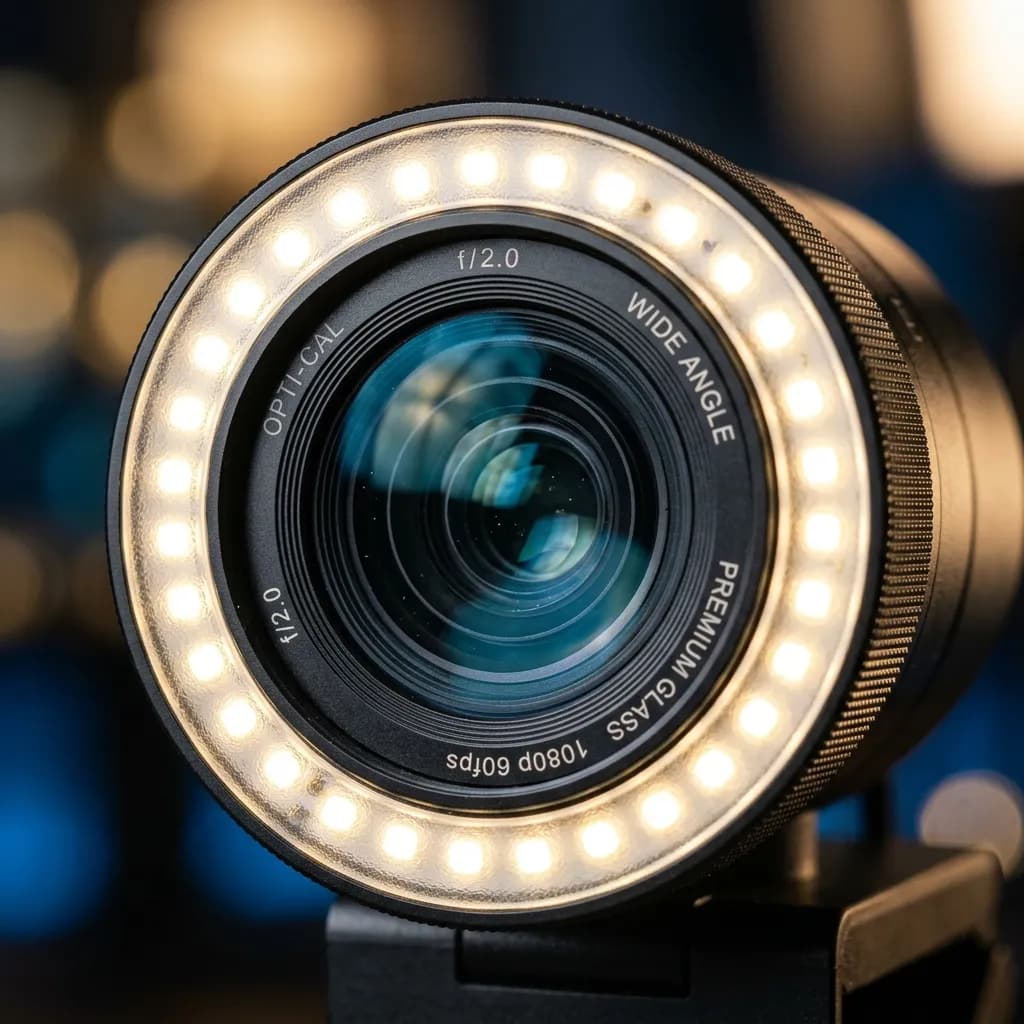
A striking macro close-up of a premium webcam lens with a built-in LED ring light reflecting soft studio lights
*A premium webcam sensor with advanced optics is the difference between looking like a professional broadcaster and looking like you're on a corporate Zoom call.*
Why it wins for YouTubers:
The Insta360 Link is essentially a tiny, AI-powered gimbal camera sitting on your monitor. It physically pans and tilts to follow you around the room. The AI tracking is insanely responsive, meaning you never wander out of frame.
The Pros:
* Flawless Auto-Tracking: You can walk across the room, and the camera physically rotates to keep you dead center.
* DeskView Mode: With a simple hand gesture, the camera tilts straight down to show your desk—perfect for unboxings, drawing, or reviewing documents.
* 1/2-Inch Sensor: It boasts incredible dynamic range, handling bright windows behind you without plunging your face into total shadow.
The Cons:
* Moving parts mean it is slightly more fragile than fixed-lens webcams.
* The software can occasionally be overly aggressive if there are multiple people in the background.
---
3. Logitech Brio 500: The Best Budget-to-Mid-Range Powerhouse
Not every creator is ready to drop $300 on a webcam, and that is completely fine. If you want a massive leap over your laptop camera without breaking the bank, the Logitech Brio 500 is the most reliable workhorse on the market.
Why it wins for YouTubers:
Logitech stripped away the hyper-expensive 4K sensors and focused entirely on making 1080p look as good as humanly possible. The Brio 500 features a feature called "RightLight 4," which automatically adjusts the exposure to keep your face bright, even if the lighting in your room changes dramatically during a stream.
The Pros:
* Incredible value: It offers 90% of the visual fidelity of the high-end options for a fraction of the price.
* Built-in Privacy Shutter: A simple, physical dial lets you block the lens when not streaming.
* Show Mode: Similar to the Insta360, it allows you to tilt the camera down to show your desk, and the software automatically rotates the image so viewers don't see it upside down.
The Cons:
* Capped at 1080p, which means if you digitally zoom in, you will notice pixelation.
* The built-in microphone is decent, but you should still use a dedicated mic.
---
How to Build Backlinks to Your YouTube Gear Reviews
If you are a tech creator reviewing webcams or streaming gear, getting your reviews to rank on Google (not just YouTube) requires authority. Earning backlinks is how you signal to Google that your content is trustworthy.
Here is exactly how you can build high-quality backlinks for your gear reviews:
- Publish Original Lighting Data:Don't just read the spec sheet. Do a "Low Light Torture Test" comparing the Elgato and the Logitech in a completely dark room lit only by a monitor. Original visual data gets linked to by forums like Reddit's r/Twitch and tech blogs looking for real-world proof.
2.The "Workflow" Angle:Write a comprehensive guide on how you integrate your webcam into OBS Studio for YouTube or how you edit the footage using text-based platforms. For instance, show how crisp 4K webcam footage pairs flawlessly with Descript AI Video Editor for rapid post-production. Software blogs love linking to real-world use cases.
3.Engage with the Manufacturers:After publishing an in-depth, fair review, tag the brands (like Insta360 or Corsair/Elgato) on Twitter. Because your review is high-quality, their community managers will often share your link on their official social feeds or press pages.
---
Final Verdict: Which Webcam Should You Buy?
If your YouTube channel relies heavily on you sitting at a desk delivering high-quality, stationary commentary, theElgato Facecam Prois the closest you can get to a DSLR without buying one.
If you are a dynamic creator who moves around the room, teaches, or does unboxings on your desk, theInsta360 Linkwill serve as your personal robotic camera operator.
If you are just starting out and need a massive upgrade from your laptop camera on a reasonable budget, theLogitech Brio 500will never let you down.
Remember, upgrading your camera is only one piece of the puzzle. Once your video looks pristine, make sure your metadata matches that quality. Use our YouTube Title Generator to craft hooks that match your new, professional aesthetic, and watch your channel's authority skyrocket in 2026.
Topics
❓Frequently Asked Questions
Do I really need a 4K webcam for YouTube streaming?
If you are streaming gameplay and your face is just a tiny bubble in the corner of the screen, a 1080p webcam is perfectly fine. However, if you are doing full-screen talking-head videos, podcasts, or tutorials, a 4K webcam like the Elgato Facecam Pro provides significantly sharper details and allows you to digitally zoom in during editing without losing quality.
Can I use my iPhone as a webcam instead of buying one?
Yes, using features like Apple's Continuity Camera or apps like Camo, you can use your smartphone as a highly effective webcam. Modern smartphone lenses are incredibly powerful. However, dedicated webcams offer a 'set it and forget it' convenience. You don't have to mount your phone, drain its battery, or worry about notifications interrupting your stream.
Why does my expensive webcam still look grainy?
Webcams, even expensive ones, have relatively small physical sensors. If your room is dark, the camera compensates by digitally boosting the ISO, which introduces grain (noise). The absolute best way to improve any webcam's quality is to add a dedicated key light pointing at your face. Good lighting will make a $100 webcam look better than a $300 webcam in the dark.
What is PTZ and why does it matter for YouTube?
PTZ stands for Pan, Tilt, and Zoom. AI-powered webcams like the Insta360 Link use physical gimbals to physically pan and tilt the lens to keep you perfectly centered in the frame as you move. This is incredibly useful for dynamic creators who don't want to hire a camera operator.
Free tools for this topic
Apply what you just read with free creator tools — no signup required.