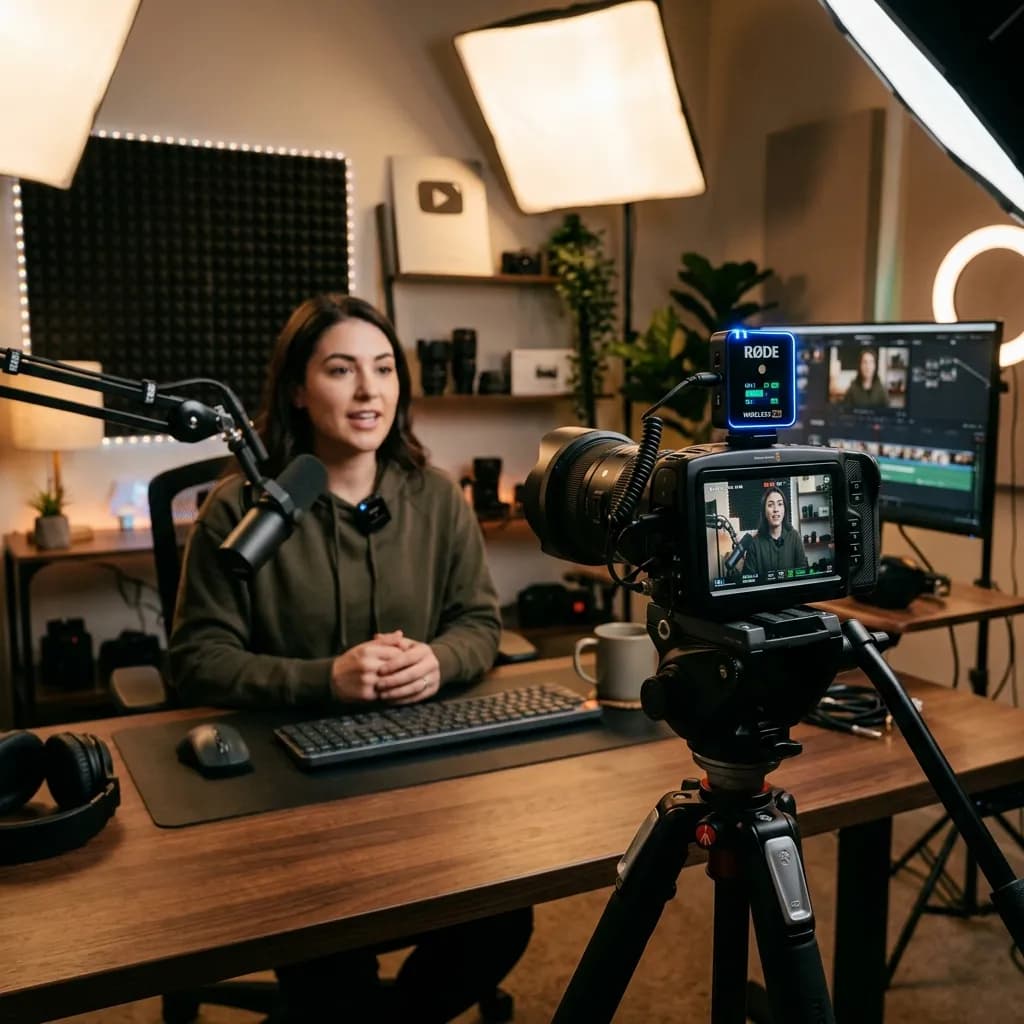
We need to get real about how humans actually consume video content on the internet. You can get away with recording slightly blurry footage. You can get away with mediocre lighting. But the second your audio sounds hollow, echoey, or distorted, your audience is gone. It's a subconscious reaction; people simply cannot tolerate bad audio.
This is why upgrading to a dedicatedwireless micsetup specifically designed foryoutubeis the highest ROI investment you can make for your channel.
Over the past few years, the market for compact audio gear has exploded. We aren't dealing with bulky, expensive UHF belt packs anymore. In 2026, the best wireless lavalier microphones for YouTube are smaller than a matchbox, feature 32-bit float internal recording to prevent clipping, and connect directly to everything from mirrorless cameras to your smartphone.
In this guide, we are slicing through the technical spec sheets. We've spent months testing these units in noisy coffee shops, windy outdoor vlogs, and echoey studio rooms to find out which ones actually deliver.
Important
Why Audio Quality Impacts SEO Data:
It's not just about sounding professional. Clear audio allows YouTube's automated systems to transcribe your content accurately. Accurate transcripts feed directly into algorithmic distribution and Answer Engine Optimization (AEO). If the YouTube backend can't understand what you are saying, it doesn't know who to serve your video to.
---
1. Rode Wireless PRO: The Absolute Best for Professionals
If you want the industry standard that rarely fails, you stop researching and buy the Rode Wireless PRO. While Rode ignited this entire product category years ago with the original Wireless GO, the PRO version fixes almost every complaint professional creators had about the earlier iterations.
Why it wins for YouTubers:
The defining feature of the PRO is 32-bit float internal recording. Without getting overly technical, this means you essentially cannot clip or distort your audio. If you are whispering one second and screaming in excitement the next, the internal backup recording captures it perfectly without you needing to ride the gain levels.
The Pros:
* 32-Bit Float On-Board Recording: Saves your audio even if you mess up the camera settings.
* Included Lavalier Mics: Unlike competitors, Rode includes two high-quality wired lavs in the box, giving you the option to hide the transmitters.
* Timecode Support: If you shoot with multiple cameras, syncing audio in post is fully automated.
The Cons:
* Bulky form factor compared to its main rival, DJI.
* The menu system and physical buttons require a bit of a learning curve.
*Resource linked: Check the official Rode website for detailed specs.*
---
2. DJI Mic 2: The Best Balance of Form and Function
DJI didn't invent the compact wireless mic, but they arguably perfected the user experience. The DJI Mic 2 is functionally brilliant, beautiful to look at, and incredibly easy to understand.
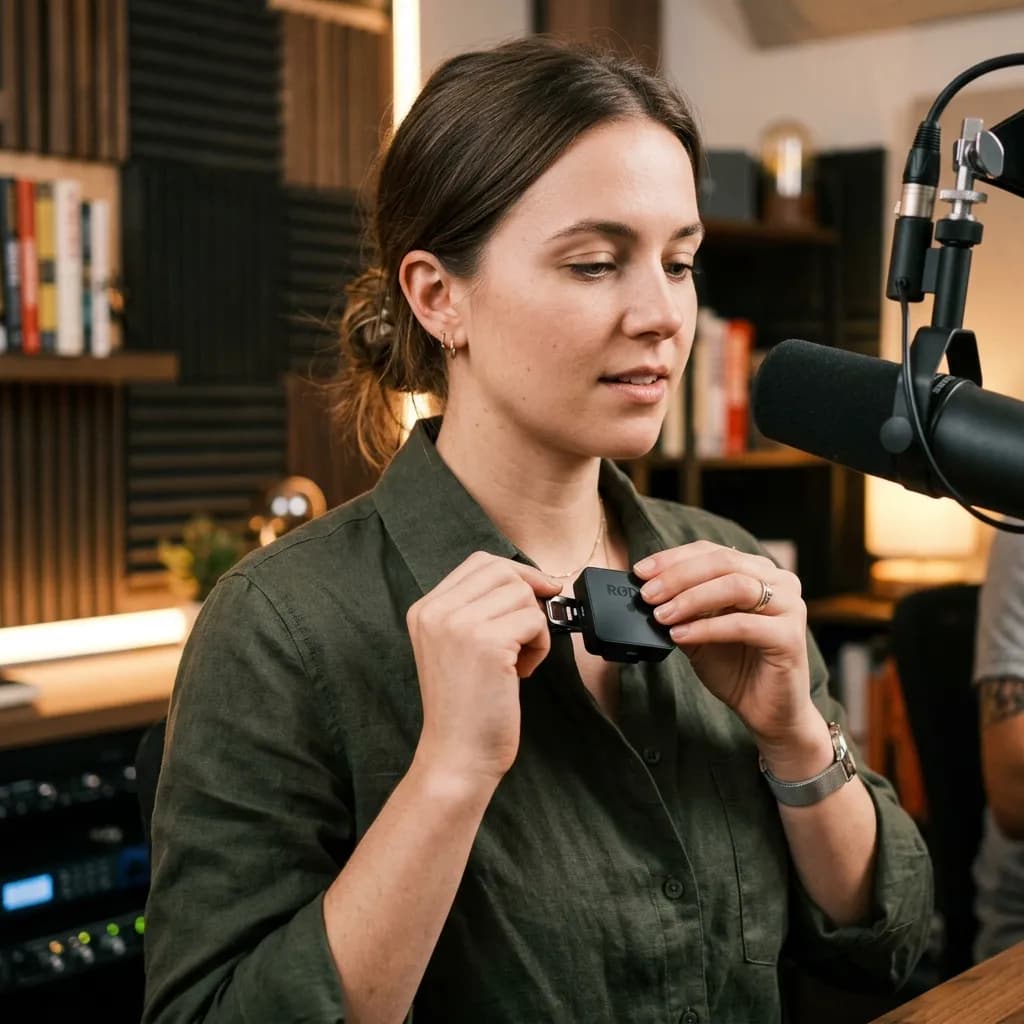
A close-up realistic shot of a content creator clipping a sleek, minimalist wireless lavalier microphone to their shirt collar in a professional podcasting studio environment
*A sleek wireless lavalier microphone setup perfectly positioned near the collarbone ensures crisp audio pickup while remaining visually unobtrusive.*
Why it wins for YouTubers:
It just works. You open the charging case, the transmitters automatically turn on and pair with the receiver, and you clip it to your shirt. The touch screen on the receiver is highly intuitive, making gain adjustments feel like using a smartphone rather than a piece of pro audio gear. It also supports 32-bit internal recording, matching the Rode PRO.
The Pros:
* Unbeatable ergonomics: The charging case keeps everything organized and powered up.
* Magnetic attachment: You do not need to clip it to a collar. The strong magnet lets you attach the transmitter anywhere on your shirt.
* Direct Bluetooth Connection: It can connect directly to your smartphone or Osmo Pocket without needing the receiver plugged in.
The Cons:
* The transmitters are quite visible if you do not use an external wired lavalier.
* Wind noise rejection is slightly inferior to the Rode when not using the fuzzy wind muffs (deadcats).
When to choose DJI over Rode: If you are a solo run-and-gun creator, vlogger, or TikToker who values speed and convenience over deep technical control, the DJI Mic 2 is flawless.
---
3. Hollyland Lark M2: The Best Budget & Micro Option
Not every creator has $350+ to drop on audio gear right away. And honestly, for a lot of setups, you don't need to. The Hollyland Lark M2 has disrupted the budget category significantly in 2026.
Why it wins for YouTubers:
Size and price. The transmitter is literally the size of a coin. It is ridiculously light, meaning it won't pull down the collar of a thin t-shirt. Despite its tiny footprint, it delivers incredibly punchy, broadcast-quality audio that easily beats any built-in camera mic.
The Pros:
* Microscopic size: At 9 grams, it is practically invisible on camera.
* Cost-effective: Usually retails for less than half the price of the heavy hitters.
* Battery life: Surprisingly long usage time given the size, reinforced by the charging case.
The Cons:
* No internal backup recording. If your camera settings are wrong, the audio is ruined.
* Less sophisticated noise cancellation compared to DJI and Rode.
---
How to Build Backlinks to Your YouTube Audio Reviews
As a creator, reviewing gear is a fantastic way to generate affiliate revenue. But to get those reviews ranking on Google (and not just YouTube search), you need authority. You need backlinks.
Instead of writing emails begging for links, use these strategies that naturally attract links in the creator niche:
- Create Original Testing Data:Don't just list the specs. Take the microphones to a windy beach or a loud subway station. Create a decibel-level chart showing exactly how much background noise each unit rejects. Data-driven comparisons attract links from forum threads like Reddit's r/videography.
2.The Software Workflow Angle:Write a guide on how you process the audio. For example, show exactly how you run your DJI Mic audio through an editor like Descript. In fact, our Descript AI Video Editor Complete Guide outlines exactly how text-based editing pairs flawlessly with clear transcriptions from these high-end mics.
3.Mention The Brands:Reach out to the smaller audio companies (Hollyland, Synco) on Twitter or LinkedIn after you publish an exhaustive, fair review. They frequently link to high-quality creator reviews on their own press pages or social feeds.
---
The Workflow Efficiency Connection
Upgrading your audio is essentially an operational upgrade. When your audio is clean from the start, a massive amount of friction is removed from your post-production workflow.
Think about the time you waste trying to salvage echoey room audio using heavy EQ or noise reduction plugins. That time could be spent batching more content. If you want to understand how top creators scale their output and Film a Full Month in 1 Day, having reliable gear that doesn't require troubleshooting is step one.
Similarly, pristine audio is a strict requirement for utilizing modern AI tools effectively. Whether you are generating fast clips or looking for the Best AI Subtitle & Caption Generators, those AI engines rely on clear diction and minimal background noise to produce accurate text. Trash audio leads to trash transcripts, which means you spend hours manually correcting text.
---
Final Thoughts: What Should You Buy?
If you are treating your YouTube channel like a serious business and want the absolute safety net of never losing a take, grab theRode Wireless PRO.
If you are a solo creator who values an intuitive interface, quick setup, and sleek aesthetics, the DJI Mic 2is the best in class.
If you are on a tight budget or want the smallest possible footprint for your videos, theHollyland Lark M2punches far above its weight class. The most important takeaway is to just migrate away from the onboard camera microphone as fast as possible. Good audio retains viewers, retained viewers build community, and as we outlined in our breakdown of YouTube Super Thanks Earnings, deep community engagement is where the real revenue happens. Spend the money on a good wireless mic. Your audience will hear the difference immediately.
Topics
❓Frequently Asked Questions
Do I need 32-bit float audio for YouTube videos?
For most standard talking-head setups in a studio, no. However, if you film unpredictably—such as vlogging outdoors, interviewing strangers, or filming sports where subjects suddenly yell—32-bit float audio is a lifesaver. It essentially provides an un-clippable backup track on the receiver itself, allowing you to recover distorted audio during editing without losing the take.
Can I connect a DJI Mic 2 directly to my iPhone?
Yes. The DJI Mic 2 ecosystem comes with interchangeable lightning and USB-C adapters that slide right into the receiver unit. You plug the receiver directly into your phone’s charging port, and it will immediately act as the primary audio source for your default camera app, TikTok, or Instagram Reels.
What is better for YouTube: a shotgun mic or a wireless lavalier?
It depends on your shooting style. A shotgun mic (like a Rode VideoMic) provides rich, deep audio but requires you to stay physically close to the camera (usually within 3-4 feet). A wireless lavalier microphone guarantees consistent audio levels regardless of whether you are two feet from the lens or fifty feet away. For most modern creators who move around, the wireless lavalier provides essential flexibility.
Why does my wireless mic sound robotic or muffled?
This is usually caused by heavy internal noise cancellation settings. Many budget wireless mics apply aggressive noise suppression by default to mask cheap capsules. Check your receiver settings and turn the Noise Reduction to 'Low' or 'Off' when in a quiet studio. Additionally, ensure the microphone is not covered by thick layers of clothing.
Free tools for this topic
Apply what you just read with free creator tools — no signup required.