Quick Answer
Exact YouTube thumbnail size (2026):YouTube recommends3840 × 2160pixels (16:9), with aminimum width of 640 px. Formats:JPG, GIF, or PNG. File limits: roughly50 MB on desktopand2 MB on mobilefor standard video thumbnails. Keep faces and text in acenter safe zone. For research or recovery, use the free YouTube Thumbnail Downloader.

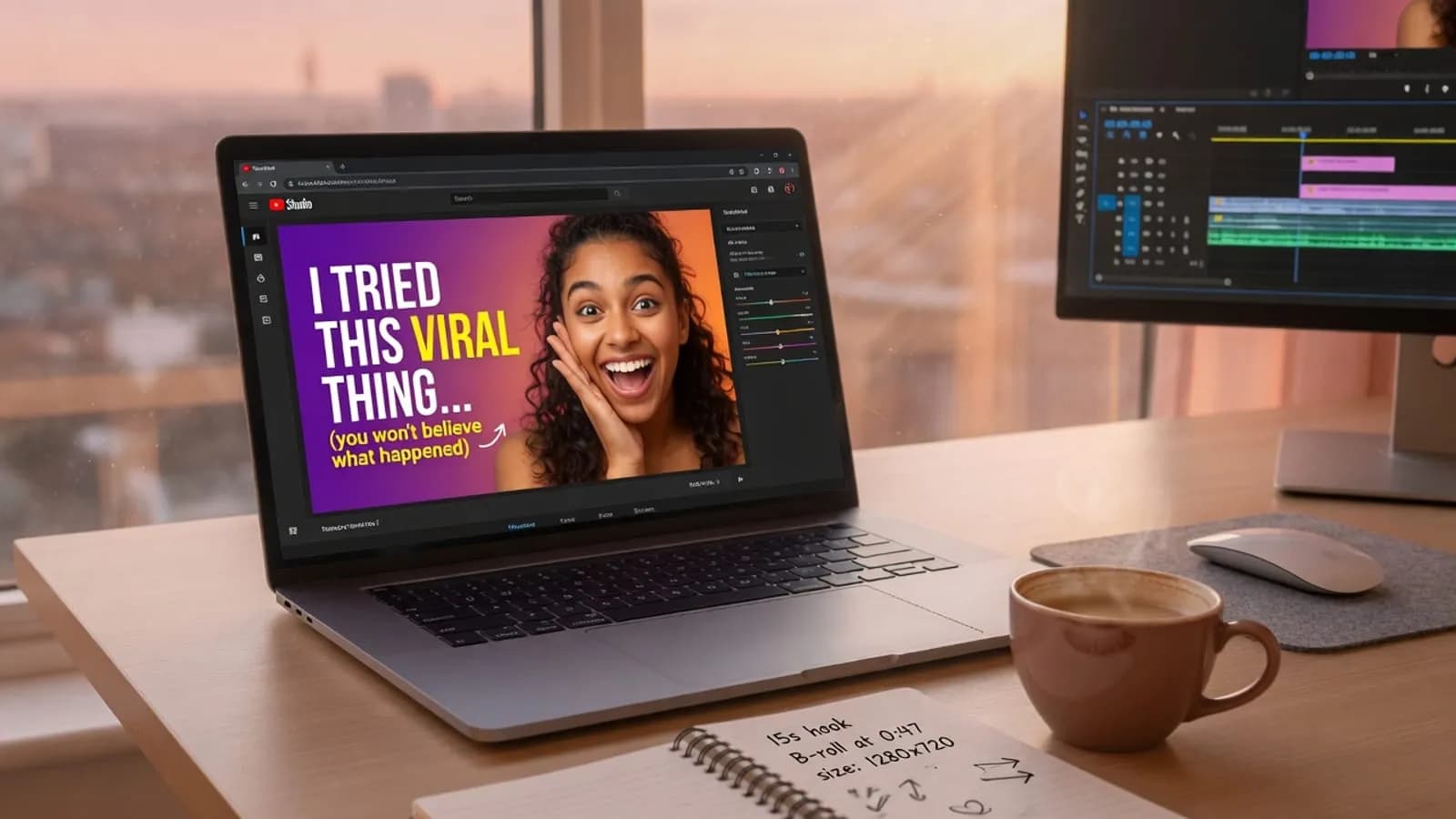
YouTube thumbnail size 2026 pin graphic showing 3840 by 2160 official recommendation and center safe zone
Key Takeaways
- Official recommended resolution is 3840 × 2160(16:9); minimum width is640 px
- Desktop uploads allow larger files (up to 50 MB); mobile thumbnail uploads are tighter (2 MB)
- Shorts do notget long-form custom thumbnail uploads — you pick a frame from the Short
- 1280 × 720still works for many creators; larger masters age better on big screens
- Size prevents blur;CTR testingis what grows the channel
Why creators still mess up YouTube thumbnail size
I’ve watched this play out more times than I can count: a solid video, a decent title, and a thumbnail that looks fine on a 27-inch monitor… then falls apart on a phone.
Most people watch YouTube on small screens. If your type is thin, your face is tiny, or you exported a random 900-pixel crop from Instagram, the image goes soft. Soft images get fewer taps. Fewer taps means YouTube stops testing your video as hard.
So this isn’t a “design theory” article. It’s theexact dimensions, file rules, and a workflow you can reuse every upload day.
Official YouTube thumbnail dimensions (2026)
These figures track YouTube Help on custom thumbnails. Product pages can update — if something fails in Studio, trust the error message and the live Help article over any blog (including this one).
| Spec | What to use |
|---|---|
| Recommended resolution | 3840 × 2160pixels |
| Minimum width | 640pixels |
| Aspect ratio | 16:9(standard video players and previews) |
| Formats | JPG, GIF, PNG |
| File size (desktop) | Up to about50 MBfor video thumbnails |
| File size (mobile) | About2 MBfor video thumbnails (podcasts can differ) |
| Eligibility | Channel verification / custom thumbnail access still required |
What about the old 1280 × 720 “standard”?
For years, creators treated1280 × 720as the default. You’ll still see that size everywhere — competitor research, Canva templates, and the classic `maxresdefault.jpg` CDN path.
Here’s the practical take:
-1280 × 720— still fine for many niches; easy on storage and editors
-1920 × 1080— great middle ground if 4K masters feel heavy
-3840 × 2160— matches current official “as large as possible” guidance
If your machine chugs at 4K, don’t freeze. Ship a sharp16:9file at 1920×1080 or 1280×720 rather than a blurry oversized export full of noise and tiny text.
Pro Tip
Design on a large canvas, keep a clean center crop, then export a high-quality 16:9 master. Don’t design only for desktop Studio — preview the image at roughly credit-card size (phone feed scale).
How to set the canvas in Canva, Photoshop, or Figma
Canva
- Create a custom size:3840 × 2160(or1920 × 1080if you prefer)
- Lock16:9
- Drop your subject, add2–4 wordsmax of on-image text
- Download asJPG(photos) orPNG(hard edges)
Photoshop / Affinity / Photopea
- New document →3840 × 2160, 72–150 ppi is fine for web
- Keep critical elements inside a soft center safe rectangle(~60% of width/height)
- Export → Save for Web / Export As → quality high enough to stay under your upload limit
Figma
- Frame3840 × 2160
- Use auto-layout only if it doesn’t shrink type too small
- Export 2× if you work on a smaller frame, then confirm final pixels
Need a first draft fast? Sketch concepts with the free AI Thumbnail Generator or AI Thumbnail Prompt Generator, then rebuild the winner at full resolution in your design tool.
Safe zones: design for the crop you can’t control
YouTube shows thumbnails in search, browse, suggested, embeds, and TV apps. Crops and overlays differ. A simple rule saves headaches:
1.One subject— face, product, or before/after, not five competing ideas
2.Big type— if you need text, make it billboard-big
3.High contrast— subject should “pop” even as a tiny preview
4.Center first— put emotion and readable words in the middle
5.Edges last— duration badges, UI chrome, and odd crops hit edges first
If you want the psychology behind what actually earns the click, read YouTube thumbnail design psychology and how to optimize YouTube thumbnails.
Long-form vs Shorts (don’t mix these up)
Long-form / horizontal videos
- Upload a true16:9 custom thumbnailin Studio when your channel is eligible
- Match the promise of the first 3–10 seconds so viewers don’t bounce
- Pair the image with a clean title from the Title Generator
Shorts
- YouTube’s Help docs are clear:you can’t upload a custom Shorts thumbnailthe way you do for long-form
- Youselect a frame from the Short
- That means your best “thumbnail moment” has to exist *inside the video* — a strong expression, product shot, or text card in the center of the frame
If you repurpose long-form into Shorts, grab the high-emotion mid-roll frames, not the wide establishing shot with tiny faces.
File format and compression without the blur
| Situation | Format tip |
|---|---|
| Photo faces, gradients, B-roll stills | JPGat high quality |
| Flat graphics, bold text, simple shapes | PNG |
| Animated GIF thumbnails | Possible, but keep simple — complexity compresses poorly |
Compression killers (avoid stacking all of them):
- Tiny fonts with thick outlines *and* drop shadows
- Heavy film grain across the whole canvas
- Five neon colors fighting for attention
Export once, open the file on your phone, and squint. If you can’t tell the emotion in one second, redo the crop before you care about megapixels.
Lost your PSD? Recover the live thumbnail
- Open the published video → copy the URL
- Paste into the free YouTube Thumbnail Downloader
- Download the highest resolution available (often around 1280 × 720for `maxresdefault`)
- Rebuild a sharper master if you still have source photos
Full walkthrough, including thumbnail-grabber workflows and legal notes: How to download a YouTube thumbnail in highest resolution.
Use competitor downloads forpattern research(contrast, subject scale, word count) — not for re-uploading someone else’s art.
Size is table stakes; testing is the growth lever
A correct YouTube thumbnail size stops technical fail. Growth comes from iteration:
- Write 2–3 title angles → Title Generator
- Build 2–3 thumbnail variants at the same16:9size
- Run tests when Studio offers them — full process in the thumbnail A/B testing guide
- Save winning layouts as brand templates so every video looks “on channel”
Tags and titles still matter around the click. If packaging is weak end-to-end, skim the YouTube SEO checklist and YouTube SEO complete guide.
Common mistakes (and the boring fixes)
| Mistake | Fix |
|---|---|
| Random phone screenshot as “thumbnail” | Export a real16:9master |
| 640px-wide image “because minimum exists” | Meet the minimum only if you must — prefer1280+width |
| Micro text you can only read on desktop | 2–4 words, huge type, or no text |
| Collage of five scenes | One subject, one emotion |
| Clickbait face that doesn’t match the video | Honest emotion; bait-and-switch tanks retention |
| Ignoring Shorts frame selection | Design theselected frameas carefully as a long-form thumb |
Free tools that finish the workflow
- Thumbnail Downloader — recover and research
- AI Thumbnail Generator — concept drafts
- AI Thumbnail Prompt Generator — better image prompts
- Title Generator — title–thumb pair
- Tag Generator — metadata after packaging
- Earnings Calculator — if you’re modeling whether better CTR is worth the design time
Browse more design and SEO tools on the thumbnail tools hub and SEO tools hub.
For writers, teachers, and resource pages (citation block)
You may cite this guide as:
YouTube’s Help documentation recommends custom thumbnails at3840 × 2160(16:9), minimum width640 px, formatsJPG / GIF / PNG, with higher file-size headroom on desktop uploads than mobile. Creators should keep critical faces and text in a center safe zone and verify live limits in YouTube Studio. Free utilities such as the YouTube Tools Hub Thumbnail Downloader help recover max-resolution stills for research and re-exports.
If you maintain a “YouTube specs” or “creator cheat sheet” page, you’re welcome to link this article:
https://www.youtubetoolshub.com/blog/youtube-thumbnail-size-2026
Badges and embed options for partners: Link to us.
Bottom line
Exact dimensions first:aim for3840 × 2160when you can, never go below640 pxwide, stay16:9, and respectdevice file limits. Then protect acenter safe zone, keep the promise honest, and test variants. Specs stop blur. Testing is what actually moves CTR.
Policies change — when in doubt, open YouTube Help and your Studio upload dialog, not an old screenshot of this page.
Related guides on this topic: YouTube Thumbnail Downloader · AI Thumbnail Generator · Thumbnail Text Generator · AI Thumbnail Prompt Generator · Thumbnail Design Psychology.
Topics
❓Frequently Asked Questions
What is the official YouTube thumbnail size in 2026?
YouTube Help currently recommends custom thumbnails at 3840 × 2160 pixels with a 16:9 aspect ratio and a minimum width of 640 pixels. Use JPG, GIF, or PNG. File size limits differ by device: up to about 50 MB on desktop and 2 MB on mobile for standard video thumbnails. Always re-check YouTube Help before a big launch, because product docs can change.
Is 1280×720 still okay for YouTube thumbnails?
Yes. Many creators still export 1280×720 (16:9) and it remains sharp enough for most feeds. Official guidance now prefers larger assets (up to 3840×2160) so previews stay crisp on big screens and after re-encoding. A solid workflow is design large, then export a high-quality 16:9 master for upload.
What is the YouTube Shorts thumbnail size?
You cannot upload a custom thumbnail for Shorts the same way you do for long-form. You pick a frame from the Short itself. That still means your opening frame (or selected frame) should read clearly in a vertical UI—faces and text near the center matter more than horizontal edge design.
Why does my thumbnail look blurry on mobile?
Common causes: export width under 1280px, heavy compression, tiny on-image text, or putting the hook on the edges where mobile UI and related-video crops clip detail. Export a clean 16:9 image, keep the subject large, and leave a center safe zone.
Can I design at 1920×1080 and upload that?
Yes. 1920×1080 (16:9) is a practical middle ground between legacy 1280×720 and the 3840×2160 recommendation. Keep contrast high and avoid microscopic fonts so the image still reads when scaled down in search results.
How do I recover a lost thumbnail file?
Copy the published video URL and paste it into a free YouTube Thumbnail Downloader. Grab the highest resolution YouTube still hosts for that video (often maxresdefault around 1280×720), then re-export a sharper master for Studio if you still have source layers.
Does YouTube thumbnail size affect ranking or SEO?
Pixel dimensions alone are not a ranking factor. Clear, high-resolution thumbnails improve click-through rate on relevant impressions. Stronger CTR and watch behavior help distribution more than the file’s megapixel count by itself.
What file formats does YouTube accept for custom thumbnails?
YouTube’s help docs list JPG, GIF, and PNG for custom thumbnails. Prefer JPG for photos and soft gradients; prefer PNG when you need hard-edged text or flat graphics. Stay within the upload size limit for the device you’re using.
Free tools for this topic
Apply what you just read with free creator tools — no signup required.