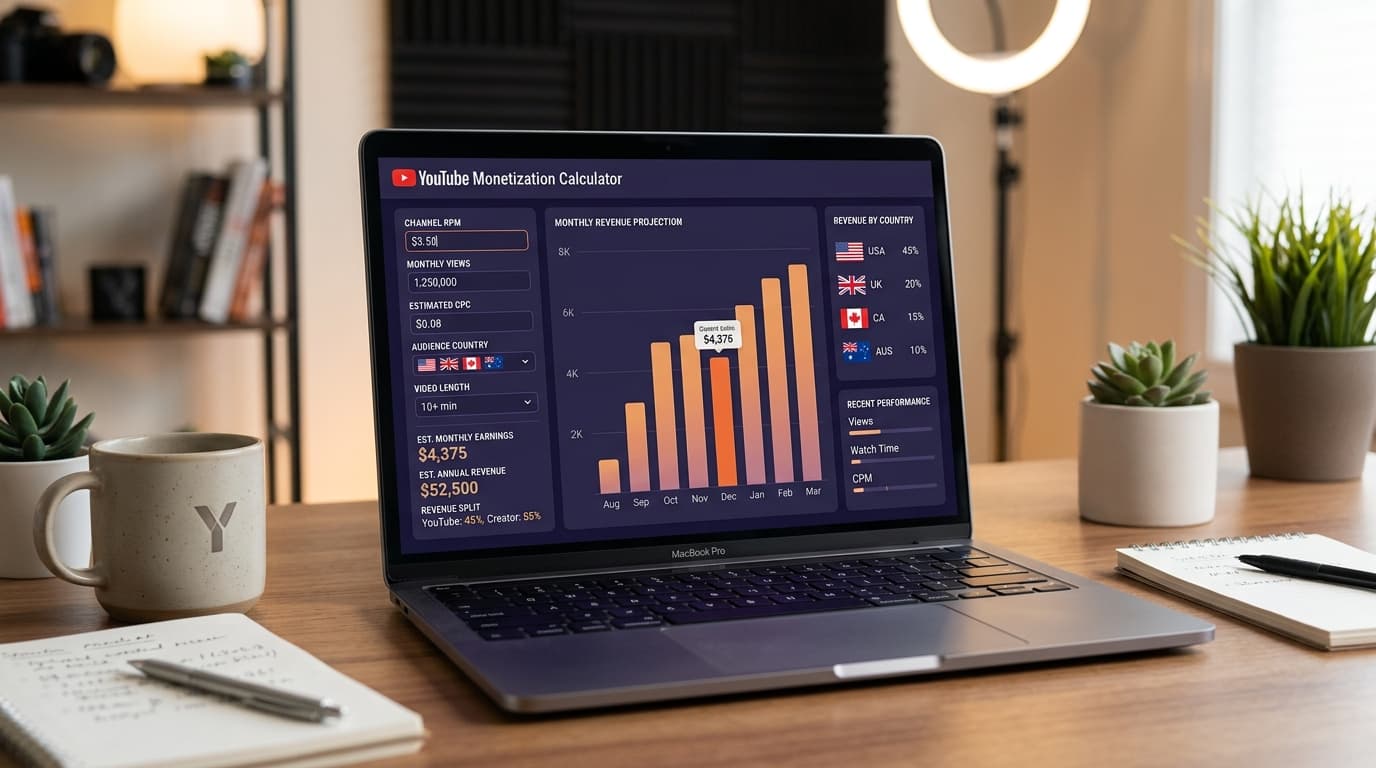
Quick Answer
A YouTube monetization calculator estimates your AdSense earnings using the formula (views ÷ 1,000) × RPM. Planning RPM ranges: $2–$4 for mixed global audiences, $5–$9 for Tier-1 heavy channels, $10–$20+ for finance or B2B software niches. Try it free right now: YouTube Earnings Calculator.
Key Takeaways
- RPM — not CPM — is the number to plug into any YouTube monetization calculator.
- Audience country often changes your payout more than gaining extra thousands of views.
- Finance, legal, and software niches routinely earn 3–5× the RPM of gaming or entertainment.
- Shorts and long-form use separate monetization mechanics — never blend their RPMs into one estimate.
- The best input for any calculator is your own trailing 28-day RPM from YouTube Studio Analytics.
I spent 60 days doing something most creators skip: I actually tracked whether a YouTube monetization calculator matched my real AdSense payouts.
The short answer is yes — when you input your real RPM instead of a generic guess, the estimate lands within 10–15% of your actual monthly earnings. When you input a borrowed "average" RPM from a blog post, the estimate can be off by 300%. That one detail explains why so many creators feel cheated by their first paycheck.
This guide walks through exactly how to use a YouTube earnings calculator the right way, what variables actually move the number, and what to do once you know your baseline.
Important
All figures in this guide are planning ranges for 2026, not official YouTube payment data. Your actual earnings live in YouTube Studio → Revenue and your linked AdSense account. Numbers vary significantly by channel, niche, and quarter.
What a YouTube monetization calculator actually does
The math is simpler than most people expect.
Earnings = (Monthly Views ÷ 1,000) × RPM
You enter two numbers: how many views your channel gets per month and your RPM. The calculator returns a monthly revenue estimate and — when multiplied — a yearly projection.
That is the entire calculation. What makes it powerful is choosing the right RPM.
The free YouTube Earnings Calculator on this site lets you model multiple scenarios: conservative, mid-tier, and optimistic — so you can plan around a range instead of a single fragile number.
RPM vs CPM: the number you actually need to input
This is where almost every "YouTube income calculator" tutorial goes wrong.
| Metric | What it is | Who uses it |
|---|---|---|
| CPM | Cost per 1,000 *ad impressions* (what advertisers pay YouTube) | Advertisers, media buyers |
| Playback-based CPM | Revenue estimate per 1,000 *monetized playbacks* | Comparing video-level ad intensity |
| RPM | Revenue per 1,000 *video views* (your take-home, after share + unmonetized views) | You. Always use this. |
CPM figures look flattering on YouTube income screenshots because they only count monetized impressions. RPM includes all your views — even the ones where an ad never loaded — which is why RPM is always lower than CPM and always more accurate for planning.
When you open the YouTube Earnings Calculator, always input RPM.
If you are not yet monetized and do not have a Studio RPM: use $2–$4 globally, $5–$9 if your audience skews US/UK/Canada/Australia, or $10–$20 if your niche is finance, legal, software, or another high-intent category.
How to find your actual RPM in YouTube Studio
Before you touch any calculator, pull the real number. Here is where it lives:
- Open YouTube Studio (studio.youtube.com)
- Click Analytics in the left menu
- Select the Revenue tab
- Look for the RPM card in the overview panel
- Change the date range to Last 28 days for the most current read
That number — your actual RPM — is your calculator input. Everything else is a guess.
If your channel is new and not yet monetized, see the YouTube Partner Program 2026 guide to understand what you need before AdSense kicks in.
Planning RPM ranges by niche and geography (2026)
Not all views are equal. The biggest driver of RPM after your own audience behavior is the combination of niche intent and audience country.
By niche (approximate RPM planning ranges)
| Niche | Typical RPM range | Why |
|---|---|---|
| Personal finance / investing | $8–$25+ | High-value financial product advertisers compete fiercely |
| Legal and law | $10–$30+ | Legal services CPMs among the highest on any platform |
| B2B software / SaaS | $8–$20 | Enterprise buyers = expensive ad placements |
| Digital marketing | $5–$15 | High intent, strong US audience overlap |
| Health and wellness | $3–$10 | Broad audience, variable advertiser quality |
| Tech reviews | $4–$12 | Product affiliate overlap drives advertiser interest |
| Gaming and entertainment | $1–$5 | Massive reach, lower advertiser per-view value |
| Lifestyle and vlogs | $2–$6 | Depends heavily on audience demographics |
By audience country
| Country/Region | Planning band | Notes |
|---|---|---|
| United States | $5–$20+ RPM | Top advertiser market worldwide |
| United Kingdom | $4–$15 RPM | Premium advertiser demand |
| Canada / Australia | $4–$14 RPM | Strong Tier-1 markets |
| Western Europe | $3–$10 RPM | Variable by language and niche |
| India | $0.50–$3 RPM | Massive volume, lower per-view rates |
| Southeast Asia | $0.50–$2 RPM | Growing market, lower CPM floor |
| Latin America | $1–$4 RPM | Mixed, Brazil typically leads |
Mix these two dimensions together and you understand why a finance creator with a US-heavy audience earns 10× the monthly revenue of a gaming channel with similar view counts but a mixed-geography audience.
Full country tables: YouTube CPM Rates by Country.
Worked examples using the monetization calculator
Let me show you exactly how to use the formula so the calculator results make sense.
Example 1 — New lifestyle channel, mixed global audience
- Monthly views: 50,000
- Estimated RPM: $3
- Calculation: (50,000 ÷ 1,000) × $3 = $150/month
- Yearly projection: ~$1,800
Example 2 — Tech review channel, US/UK audience lean
- Monthly views: 100,000
- Estimated RPM: $7
- Calculation: (100,000 ÷ 1,000) × $7 = $700/month
- Yearly projection: ~$8,400
Example 3 — Personal finance channel, 80% US audience
- Monthly views: 100,000
- Estimated RPM: $14
- Calculation: (100,000 ÷ 1,000) × $14 = $1,400/month
- Yearly projection: ~$16,800
Same 100,000 views. Three entirely different paychecks. That gap is why niche and geography matter more than raw view count when you are optimizing for income.
Model your own scenarios: YouTube Earnings Calculator — try USA, UK, India, and Australia-specific modes.
What the YouTube Partner Program requires before you earn anything
A YouTube monetization calculator only matters after you are in the YouTube Partner Program (YPP). Before that, AdSense does not activate for your channel.
As of 2026, the standard YPP threshold is:
- 1,000 subscribers on your channel
- 4,000 valid public watch hours in the past 12 months (or 10 million Shorts views in 90 days under the expanded YPP tier)
- A linked and approved AdSense account
- No active Community Guidelines strikes or copyright strikes
Once approved, it typically takes one full calendar month before you see your first revenue accumulating in Studio. AdSense pays on a monthly threshold cycle — usually around the 21st of each month for earnings from two months prior.
Full checklist and timeline: YouTube Partner Program 2026 guide.
Payment schedule details: YouTube AdSense payment schedule 2026.
Five things that increase your effective RPM (without buying views)
Running more views through a low-RPM channel is the slowest way to grow your income. Here is what actually moves the needle.
1. Enable every eligible ad format
In YouTube Studio → Content, open any video that is monetized and check that you have enabled pre-roll, post-roll, skippable ads, non-skippable ads, and — for videos over 8 minutes — mid-roll ads. Creators who leave mid-rolls disabled on long videos routinely earn 30–60% less than they could on the same view count.
2. Improve your audience geography mix
You cannot force viewers to be from a specific country, but you can create content that attracts Tier-1 search intent. Writing for US search questions ("best tax software 2026," "how to open a Roth IRA," "top project management tools") draws US-based searchers even if your channel is not based in the US.
3. Choose topics with built-in advertiser demand
Finance, legal, software, career skills, and health topics consistently attract higher-value advertisers. This does not mean abandoning your niche — it means tilting some of your content toward the higher-intent angles within it. A gaming channel can still cover "best budget gaming PCs under $1,000" and attract technology advertisers.
4. Make your videos long enough for mid-rolls (8+ minutes)
Mid-roll ads are typically the single biggest monetization lever for long-form creators. A video that triggers three mid-rolls earns dramatically more per view than a 6-minute video with only a pre-roll. This is not a reason to pad your content — it is a reason to make your topics deep enough to justify the runtime honestly.
5. Improve watch time and completion rates
Every ad that plays is only valuable if a viewer actually watches it. Higher average view duration correlates with more completed ad impressions. Improving your hook (the first 15–30 seconds) is the highest-leverage retention work you can do. Our YouTube SEO checklist 2026 covers retention optimization alongside keyword strategy.
YouTube Shorts monetization: separate calculator, separate math
If you create YouTube Shorts, do not blend Shorts views into your long-form RPM calculation. They use completely different economics.
Long-form AdSense uses a direct RPM model — (views ÷ 1,000) × RPM — because ad placements are predictable.
Shorts monetization uses a revenue pool model where YouTube aggregates advertising revenue from ads shown between Shorts in the Shorts feed, then distributes a portion to creators based on their proportional share of Shorts views within their country's pool. This makes your effective Shorts RPM highly variable and often lower than long-form RPM for the same brand.
In YouTube Studio, check the Shorts revenue and long-form revenue tabs separately. Do not average them into one blended number.
Full breakdown: YouTube Shorts monetization 2026.
Beyond AdSense: total channel income estimation
The YouTube monetization calculator on this site estimates AdSense revenue only. For most channels that have reached 10,000+ monthly views, AdSense is a floor — not the ceiling.
Here is how creators typically layer income streams on top of AdSense:
| Revenue stream | When it activates | Typical addition over AdSense |
|---|---|---|
| Affiliate marketing | Any time (no YPP needed) | Can match or exceed AdSense on tutorial/review content |
| Sponsorships | Usually 5,000–10,000 subs+ | $500–$5,000+ per integration, depending on niche and audience |
| Channel memberships | 500 subscribers (YPP required) | Recurring monthly income from loyal viewers |
| Super Thanks / Super Chat | YPP required | Strong for live streams and highly engaged communities |
| Digital products (courses, templates) | Any time | High margin, no platform dependency |
The YouTube Super Thanks earnings guide covers direct fan monetization in detail.
For total income planning across all streams, use the earnings calculator for your AdSense baseline, then estimate affiliate and sponsorship income separately based on your niche conversion rates.
Q4 seasonality: the RPM spike you can plan for
One factor the calculator cannot predict is seasonality — but you can plan around it manually.
Q4 (October, November, December) is consistently the highest-CPM period of the year because holiday advertisers flood the auction with larger budgets. Many creators report their RPM jumping 40–80% above their Q1–Q3 average during November and December.
Practical implication: if your trailing RPM is $5 in July, you might model $7–$9 for November and December estimates. That is not guaranteed, but it is a useful planning range based on historical patterns most creators observe.
Conversely, January and February typically see RPM dip as post-holiday budgets reset. Knowing this cycle helps you avoid the trap of treating your December check as a new baseline.
How to use the YouTube Earnings Calculator on this site
The free YouTube Earnings Calculator is designed for creators at every stage:
- Enter your monthly views — use your actual Studio average or a planning target
- Enter your RPM — your trailing 28-day Studio RPM, or a realistic planning range
- Select your primary audience country (optional) — enables country-specific RPM presets
- Review your monthly and yearly projections — adjust inputs to model conservative and optimistic scenarios
Country-specific calculator pages are available for USA, UK, India, and Australia to help you benchmark against localized RPM data.
Resource map for monetization planning
Here is a structured reading path if you are building a full monetization strategy around the calculator output:
Understand the numbers:
- YouTube CPM rates by country 2026
- YouTube Partner Program requirements 2026
- YouTube Shorts monetization 2026
Grow your qualifying metrics:
- How to get 1,000 subscribers fast in 2026
- YouTube SEO checklist 2026
- How to get more YouTube views in 2026
Maximize your RPM once you are in YPP:
Handle the business side:
Tools to use alongside the calculator:
- YouTube Earnings Calculator
- YouTube Tag Generator — improve discoverability to grow view counts
- YouTube Title Generator — write titles that drive clicks and watch time
- YouTube Hashtag Generator — extend reach on Shorts and search
---
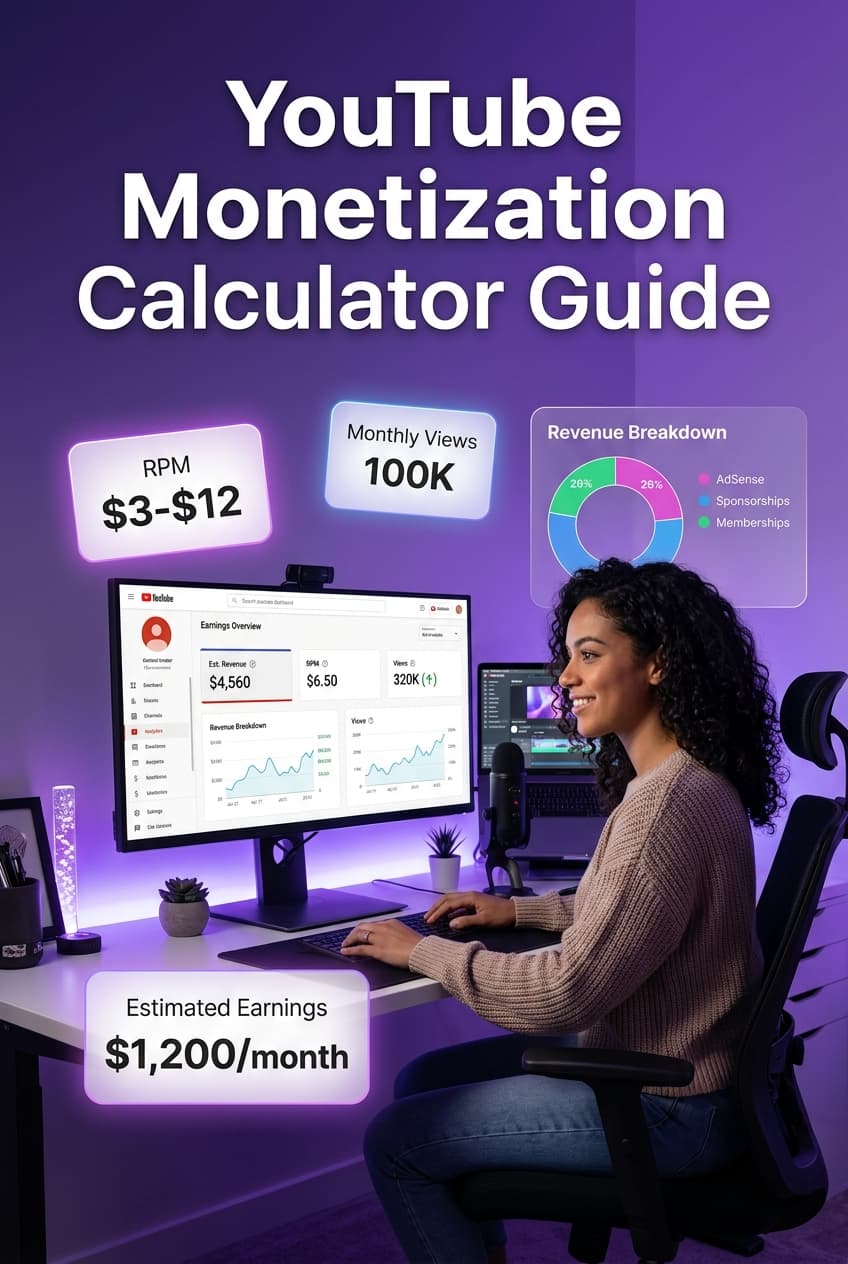
A content creator reviewing YouTube earnings projections on dual monitors with RPM charts and a YouTube monetization calculator interface
*Pin this to your YouTube creator board — RPM ranges, niche multipliers, and calculator tips all in one place.*
---
The one mistake that ruins every calculator estimate
Here is the pattern I see constantly in creator forums: someone enters $10 RPM into a calculator because they read that "YouTube pays $10 per 1,000 views" in a headline. Their channel has 200,000 monthly views in an entertainment niche with a South Asian audience. They expect $2,000 per month. They get $400. They feel cheated by YouTube.
YouTube is not cheating them. The RPM they entered was wrong by 5×.
The calculator is only as accurate as your inputs. Use your real Studio RPM. If you do not have one yet, use a conservative estimate — err low. A pleasant surprise beats a disappointing gap.
When you model your income correctly, the monetization calculator becomes genuinely useful: it tells you exactly how many more views you need, or how much your RPM needs to improve, to hit a specific monthly income target. That is the question worth answering.
Start with the numbers you actually have: YouTube Earnings Calculator.
Topics
❓Frequently Asked Questions
What is a YouTube monetization calculator?
A YouTube monetization calculator is a free online tool that estimates your AdSense earnings based on your monthly views and RPM (revenue per 1,000 views). You enter your view count and a realistic RPM, and the calculator returns a monthly and yearly revenue projection. It is a planning tool, not a guarantee — your actual payout depends on ad fill rates, audience geography, niche, and YouTube's revenue share.
How accurate is a YouTube earnings calculator?
A YouTube earnings calculator is accurate as a planning estimate when you use a realistic RPM from your own YouTube Studio Analytics. If you input a generic global RPM of $3–$5, the estimate reflects a typical mid-tier mixed-geography channel. If your niche is personal finance or SaaS software with a US-heavy audience, your real RPM could be $8–$20, and the calculator will reflect that when you plug in accurate numbers. The calculator is not a substitute for your actual Studio revenue report.
How much does YouTube pay for 100,000 views?
At a $3 RPM, 100,000 views generates roughly $300. At a $7 RPM, the same 100,000 views produces around $700. Finance or B2B software channels with US audiences often see $10–$20 RPM, making 100,000 views worth $1,000–$2,000. The number varies significantly by niche and audience country — which is exactly why a monetization calculator is more useful than a flat per-view rate.
What RPM should I use in a YouTube monetization calculator?
If you are already monetized, open YouTube Studio → Analytics → Revenue and find your trailing 28-day RPM. That number is your most accurate input. If you are pre-monetization and estimating future income, use $2–$4 RPM for a mixed global audience, $5–$9 RPM for a primarily US/UK/Canada/Australia audience, and $10–$20+ RPM if your niche is finance, legal, or enterprise software with strong Tier-1 traffic.
Is a YouTube monetization calculator free?
Yes. The YouTube Earnings Calculator on YouTube Tools Hub is completely free and requires no account or sign-up. You enter your monthly views and RPM, optionally select your primary audience country, and get an instant monthly and yearly revenue estimate.
Does YouTube pay differently for Shorts vs long-form videos?
Yes. YouTube Shorts and long-form videos use different monetization models. Long-form videos monetize through traditional AdSense ad placements — pre-rolls, mid-rolls, and display ads — and RPM planning applies directly. Shorts use a separate revenue pool model where creator earnings depend on the collective views in a country's pool and each creator's proportional share. In most cases, effective RPM for Shorts is lower than long-form. Compare both surfaces separately inside YouTube Studio.
What is the difference between CPM and RPM on YouTube?
CPM (cost per mille) is what advertisers pay YouTube per 1,000 ad impressions. RPM (revenue per mille) is what you as a creator actually receive per 1,000 video views after YouTube's revenue share and after accounting for views that never showed an ad. RPM is always lower than CPM. When using a YouTube monetization calculator, always input RPM — not CPM — because RPM represents your actual take-home rate.
What factors affect my YouTube earnings the most?
The five biggest factors that affect YouTube earnings are: (1) Audience country — US, UK, Canada, and Australia viewers attract higher advertiser bids than most other markets. (2) Niche — finance, legal, software, and B2B content commands premium CPMs. (3) Video length — videos over 8 minutes can include mid-roll ads, increasing monetized impressions per view. (4) Watch time and retention — more completed views mean more ads served. (5) Seasonality — Q4 (October–December) typically sees the highest ad spend of the year.
Free tools for this topic
Apply what you just read with free creator tools — no signup required.