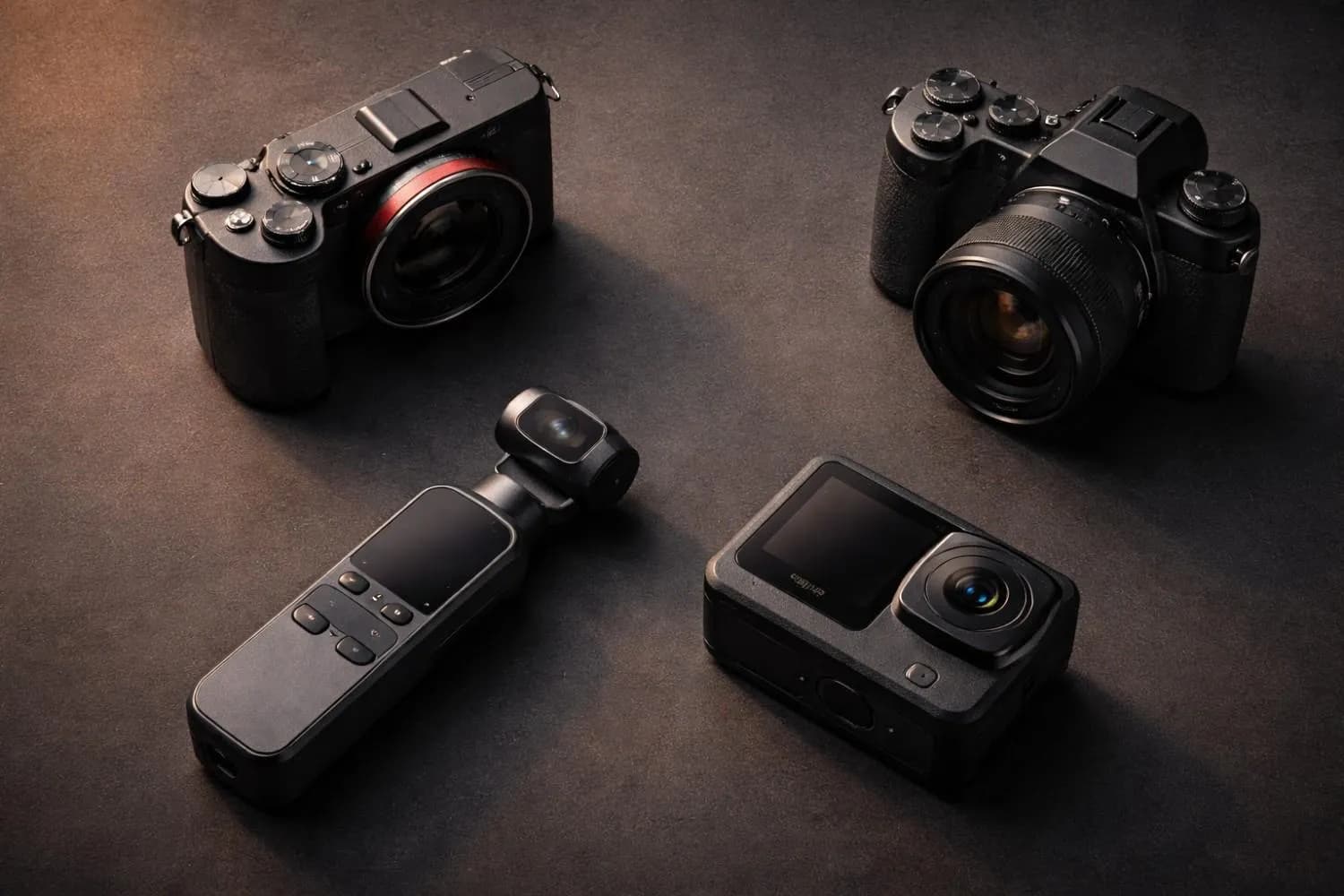
Quick Answer
Best 4K vlogging cameras under $1,000 in 2026: Sony ZV-E10 II ($800-$900) for the best all-round image quality and autofocus, Canon EOS R50 ($600-$750) for beginners, DJI Osmo Pocket 3 ($450-$550) for pocketable stabilized travel video, GoPro HERO13 Black ($330-$400) for action, and Panasonic G100D ($650-$800) for built-in audio. All five were still current models as of October 2026 — check current pricing before buying, since street prices move weekly. If you are not in a hurry, Q4 2026 is the strongest buying window of the year.
Key Takeaways
- Best overall: Sony ZV-E10 II — eye-tracking AF, 4K 60fps, fully articulating screen; budget $800-$900 body-only plus a lens.
- Best for beginners: Canon EOS R50 — oversampled 4K, Dual Pixel CMOS AF II, ships with a kit lens.
- Best travel/pocket: DJI Osmo Pocket 3 — mechanical 3-axis gimbal, 1-inch sensor, 4K 120fps slow motion.
- Best action: GoPro HERO13 Black — waterproof, HyperSmooth 6.0, 5.3K capture.
- Best audio-first: Panasonic G100D — 3-channel directional mic array plus a headphone jack.
- Leave $100-$200 of the budget for a microphone, spare battery, and fast SD card. Audio changes the viewing experience more than another camera body does.
- Best time to buy (Q4 2026): Black Friday and Cyber Monday in late November, then holiday bundles through December. Check current pricing on the day — street prices shift weekly.
Choosing the best vlogging camera in 2026 is one of the most important investments you'll make as a YouTube creator — and it doesn't have to drain your bank account. The sub-$1,000 camera market has never been more competitive, with Sony, Canon, DJI, GoPro, and Panasonic all releasing seriously capable 4K machines aimed directly at content creators like you.
Whether you're launching your first channel, upgrading from a smartphone, or scaling up your production quality to compete with established creators, there's a perfect camera in this price range for every style of vlogging.
In this guide, every camera is judged against the same real-world vlogging scenarios — walking outdoors, filming talking-head content, shooting in low light, and handling fast movement. Here's exactly what you need to know before you buy.
---
Why Camera Choice Has a Massive Impact on Your YouTube Channel
Before we dive into the individual reviews, it's worth understandingwhy your camera choice directly affects your revenue potentialas a creator.
High video quality — specifically 4K resolution with good dynamic range and stable footage — correlates strongly with:
-Higher average view duration(viewers stay longer on well-produced videos)
-Better CPM from advertisers(premium brands pay more to appear on professional-looking channels)
-More brand sponsorship opportunities(tech and lifestyle brands favor polished production)
-Algorithm preference(YouTube's discovery engine subtly favors content that keeps viewers engaged)
A camera upgrade from 1080p to 4K can realistically add 15–25% to your AdSense RPM simply because your channel attracts higher-tier advertising categories. Pair that with strong video titles (use our YouTube Title Generator) and well-optimized descriptions (YouTube Description Generator), and you have a compound revenue advantage.
To estimate how this translates to actual earnings, run your numbers through our YouTube Earnings Calculator — you can see exactly how much your improved production quality might increase your monthly income.
---
What to Look For in a Vlogging Camera in 2026
Before comparing models, understand the five core specs that actually matter for vlogging:
| Feature | Why It Matters | What to Target |
|---|---|---|
| Video Resolution | 4K gives future-proofing & reframe ability | 4K 30fps minimum |
| Image Stabilization | Eliminates shaky handheld footage | 5-axis IBIS or EIS |
| Autofocus System | Keeps your face sharp while moving | Eye-tracking AF |
| Flip Screen | Essential for self-recording | Fully articulating LCD |
| Microphone Input | External mic improves audio dramatically | 3.5mm jack required |
| Battery Life | More shots per charge = less downtime | 300+ shots or 60+ min |
| Low-Light Performance | Evening/indoor shoots look great | ISO 6400+ usable |
Important
One spec most beginners overlook:Log video recording. If your camera shoots in S-Log, C-Log, or V-Log, you can apply professional color grades in post-production — making your footage look cinematic and setting you apart from amateur creators. All cameras on this list have some form of log profile.
---
#1 Best Overall: Sony ZV-E10 II — The Ultimate Vlogging Mirrorless ($800-$900)
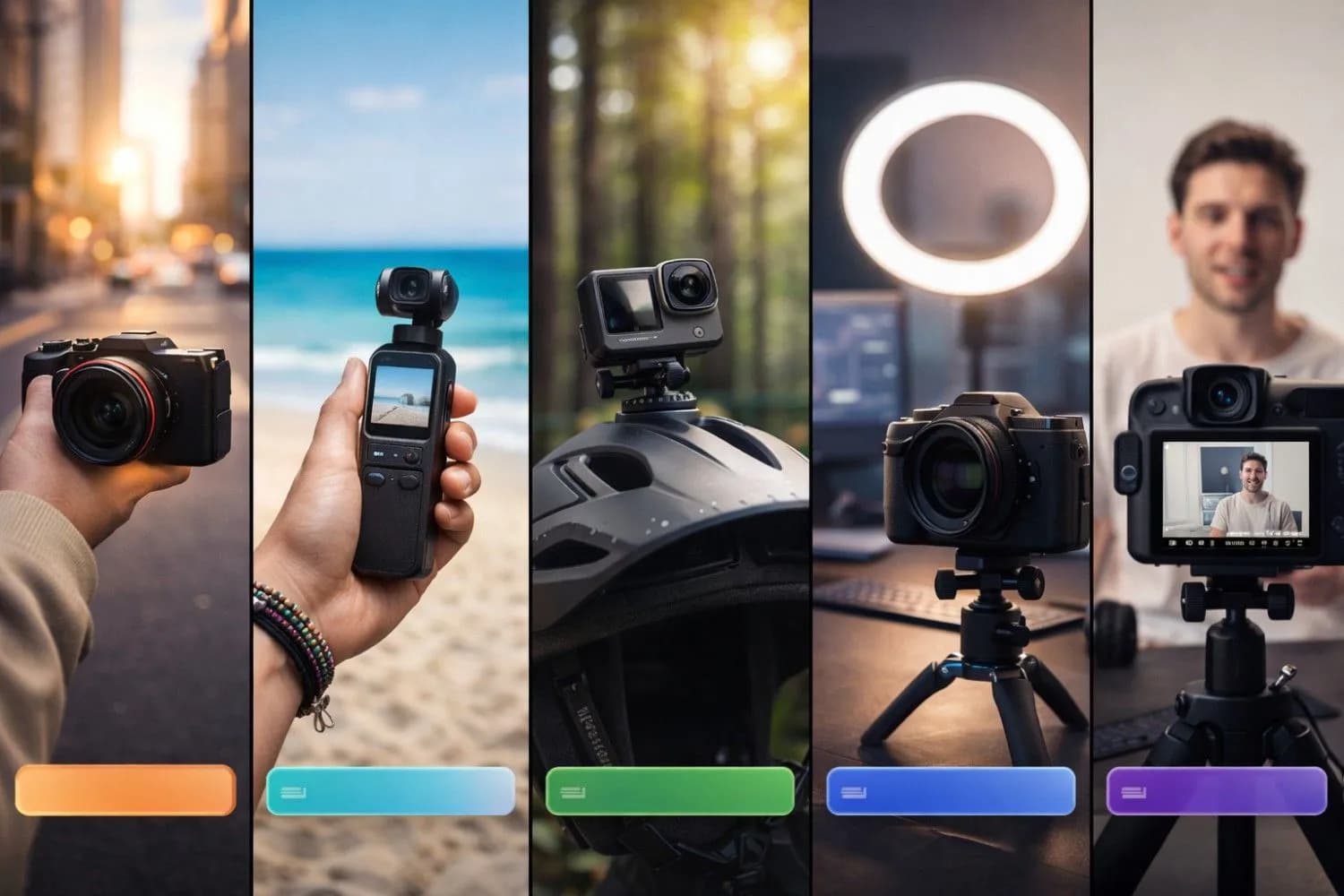
Best 4K Vlogging Camera 2026 - Sony ZV-E10 II vs Canon EOS R50 vs DJI Osmo Pocket 3 Comparison Guide
TheSony ZV-E10 IIis, without question, the best vlogging camera under $1,000 in 2026 for serious YouTube creators. It builds on the wildly popular original ZV-E10 with a completely redesigned sensor, upgraded autofocus engine, and genuinely usable 4K video quality — all in a compact, creator-first body.
Key Specs
-Sensor:26MP APS-C BSI CMOS
-Video:4K 60fps (Super 35), 4K 120fps (Super 16 crop), 1080p 120fps
-Autofocus:AI-powered tracking with real-time eye, face, and subject recognition
-Stabilization:Electronic IS (SteadyShot) + Active Mode
-Flip Screen:Fully articulating 3-inch touchscreen
-Microphone:Built-in 3-directional stereo + 3.5mm input + Multi-Interface Shoe
-Battery Life:~570 shots; unlimited recording via USB-C power
-Log Profile:S-Cinetone, S-Log2, S-Log3
-Weight:291g body only
Why Vloggers Love It
Sony completely redesigned the autofocus engine from the ZV-E10. The new real-time tracking keeps eye contact locked even during rapid movement, turning to look at items, or when you walk through crowds. For talking-head content and walking vlogs, it is virtually flawless.
TheProduct Showcase Mode is a genuinely killer feature: when you hold a product up to the camera (a phone, gadget, food item), the camera instantly shifts focus to the product and then smoothly refocuses back to your face — perfect for unboxing-style content and tech reviews.
The Sony E-mount lens ecosystem is the deepest and most affordable in the APS-C mirrorless world. You can grab an 11mm F1.8 ultra-wide (ideal for vlogging) for around $500, giving you incredible depth-of-field control without breaking the budget.
Pros & Cons
✅ Pros:
- Best-in-class autofocus for solo vlogging
- Excellent 4K image quality with S-Log3
- Versatile lens mount with budget E-mount primes
- Fully articulating screen for self-recording
- USB-C for unlimited recording power
❌ Cons:
- No in-body image stabilization (IBIS) — relies on electronic IS
- APS-C crop in 4K 60fps is noticeable with some lenses
- Body-only; you'll need to budget for a lens (+$150–$500)
Best for:YouTube creators who want the best possible image quality and autofocus system in a compact body, especially for talking-head, lifestyle, and tech review channels.
---
#2 Best for Beginners: Canon EOS R50 ($600-$750)
TheCanon EOS R50is the friendliest camera ever made for new YouTube creators. Canon's Dual Pixel CMOS AF II system — which has set the industry standard for autofocus reliability — is present in full force here, ensuring your face is always in perfect focus no matter what you're doing.
Key Specs
-Sensor:24.2MP APS-C CMOS
-Video:4K 30fps (oversampled from 6K), 1080p 60fps
-Autofocus:Dual Pixel CMOS AF II with subject tracking
-Stabilization:Movie Digital IS (Combination IS with compatible lenses)
-Flip Screen:Fully articulating 3-inch touchscreen
-Microphone:Built-in stereo + 3.5mm input
-Battery Life:~300 shots / ~85 min video
-Log Profile:Canon Log 3
-Weight: 375g body only
Why It's Perfect for New Vloggers
The EOS R50 shoots oversampled 4K (downsampled from a 6K sensor readout), which gives you incredibly clean, sharp footage with very little noise even in lower-light environments. This is unusually high quality for the price point.
The menu system is Canon's most beginner-friendly ever — the guided shooting modes walk you through exposure settings in plain language, making the learning curve shallow enough for complete camera beginners.
Auto White Balance is also excellent, keeping your skin tones consistent across changing light conditions — a common headache for new creators filming in multiple locations throughout the day.
For thumbnail creation after your shoot, use our AI Thumbnail Generator to create professional thumbnails that match your video's aesthetic.
Pros & Cons
✅ Pros:
- Superb 4K oversampled quality (best image per dollar on this list)
- Industry-leading Dual Pixel AF II
- Extremely beginner-friendly interface
- Compact and lightweight for daily vlogging
❌ Cons:
- 4K is limited to 30fps (no 60fps in 4K)
- RF-S lens mount is newer — fewer affordable native lenses vs Sony E-mount
- No headphone jack (can't monitor audio in real-time)
Best for:Creators who are new to cameras and want the easiest possible learning curve with excellent image quality. Ideal for lifestyle, beauty, and talking-head channels.
---
#3 Best Compact/Travel Camera: DJI Osmo Pocket 3 ($450-$550)
If you want a camera that fits in your front pocket and shoots cinematic footage without any setup, theDJI Osmo Pocket 3is the most compelling option in 2026's market. It's not a mirrorless camera — it's a 3-axis mechanically stabilized compact with a fixed lens — but its footage rivals cameras twice the price.
Key Specs
-Sensor:1-inch CMOS
-Video:4K 120fps, 4K HDR, 1080p 240fps
-Stabilization:3-axis mechanical gimbal + EIS (RockSteady 3.0)
-Flip Screen:2-inch rotating touchscreen
-Microphone:Built-in stereo with wind reduction + 3.5mm via adapter
-Battery Life:~116 min (standard mode) / ~80 min (4K)
-Color Profile:D-Log M (10-bit)
-Weight: 179g
Why It's the Best Travel Vlogging Camera
The mechanical 3-axis gimbal in the Osmo Pocket 3 produces footage that looks like it was shot on a professional Hollywood gimbal rig. Walking, running, cycling, filming from a moving vehicle — the stabilization handles it all without the "swimming" artifacts you sometimes get from electronic stabilization.
The 1-inch sensor is large for a pocket camera, giving it excellent low-light performance (shooting at a restaurant or bar at night looks genuinely good, not noisy and muddy). The D-Log M color profile retains enormous dynamic range for color grading in DaVinci Resolve or Adobe Premiere.
The 4K 120fps slow-motion capability is extraordinary at this price — you can capture slow-motion B-roll that normally requires cameras costing $3,000+.
Note
The Osmo Pocket 3 does not have interchangeable lenses. Its fixed 20mm equivalent f/2 lens is excellent for wide-angle vlogging, but if you need telephoto or shallow depth-of-field portrait shots, one of the mirrorless options will serve you better.
Pros & Cons
✅ Pros:
- Butter-smooth mechanical gimbal stabilization
- Pocket-sized — perfect for travel and street vlogging
- 4K 120fps slow-motion is exceptional
- Minimal setup time — pull out, point, and shoot
❌ Cons:
- Fixed lens (no interchangeable optics)
- No eye-tracking autofocus
- Small physical size means smaller controls
- 3.5mm audio requires adapter (sold separately)
Best for:Travel vloggers, adventure creators, daily vloggers, and anyone who values portability and cinematic stabilization over lens versatility.
---
#4 Best Action Camera: GoPro HERO13 Black ($330-$400)
TheGoPro HERO13 Blackis the king of action vlogging in 2026. If your content involves outdoor adventure, sports, water activities, motorcycles, hiking, or any environment where a traditional camera would be destroyed, the HERO13 is your weapon of choice.
Key Specs
-Sensor:1/1.9-inch CMOS
-Video:5.3K 60fps, 4K 120fps, 2.7K 240fps
-Stabilization:HyperSmooth 6.0 (industry-leading EIS)
-Waterproofing:10 meters without case
-Screen:Front 1.4-inch + rear 2.27-inch touchscreen
-Microphone:Built-in + MediaMod with 3.5mm support
-Battery Life:ENDURO battery: ~80–90 min at 4K
-Weight:154g
Why Action Creators Swear By It
HyperSmooth 6.0 is the most effective electronic image stabilization system ever put in a consumer camera. It corrects for extreme shake, vibration, and rotation in real time — footage from a mountain bike or off-road vehicle looks like it was shot on a gimbal. No other camera in this price range comes close to matching it.
The newBurst Slow-Mo feature fires at 400fps automatically when it detects fast movement, giving you automatic ultra-slow-motion highlights. Combined with the GP-Log color profile for professional color grading, HERO13 footage can look genuinely cinematic.
Max Lens Mod 2.0 (sold separately, ~$80) adds a 177° ultra-wide HorizonLock view that keeps your horizon perfectly level even when you rotate the camera 360° — an insane feature for skiing, skateboarding, and surfing content.
Pros & Pros
✅ Pros:
- Waterproof, shockproof, built for extreme conditions
- Best-in-class HyperSmooth 6.0 stabilization
- Lightest, most versatile mounting system in the world
- 5.3K gives headroom for 4K crop/reframe
❌ Cons:
- Smaller sensor = more noise in low light vs mirrorless
- No zoom capability
- Short battery life (carry spares)
- Not ideal as a primary studio/talking-head camera
Best for:Adventure vloggers, travel creators, extreme sports, outdoor lifestyle channels, and anyone creating content in harsh environments.
---
#5 Best for Audio-First Creators: Panasonic G100D ($650-$800)
ThePanasonic G100Dis the most underrated camera on this list. It's built specifically with vloggers in mind, featuring the most advanced built-in microphone system of any camera under $1,000 — a 3-channel directional mic array that can track your voice even as you move around the frame.
Key Specs
-Sensor:20.3MP Micro Four Thirds CMOS
-Video:4K 30fps, 4K 60fps (crop), 1080p 120fps
-Autofocus:DFD Contrast AF with face/eye detection
-Stabilization:Dual IS 2 (Sensor + OIS lens)
-Flip Screen:Fully articulating 3-inch touchscreen
-Microphone:3-channel directional audio + 3.5mm + headphone jack
-Battery Life:~370 shots / ~60 min video
-Color Profile:V-Log L
-Weight: 345g body only
The Audio Advantage
The G100D's built-in 3-capsule directional microphone array is the audio quality you'd normally need a separate $200 shotgun microphone to achieve. It uses three independent microphones to isolate your voice from ambient noise, and you can monitor your audio through the headphone jack in real time — something even the Canon EOS R50 can't offer.
For creators who want to minimize external gear (no clunky video rig setups), the G100D's audio quality is a genuine game-changer. Pair it with a solid YouTube Description Generator for your SEO, and your production quality rivals channels spending 3x as much.
Pros & Cons
✅ Pros:
- Exceptional built-in 3-channel directional microphone
- Headphone jack for real-time audio monitoring
- Compact Micro Four Thirds lenses available at great prices
- V-Log L for professional color grading
❌ Cons:
- Autofocus not as fast as Sony or Canon
- MFT sensor has a 2x crop factor (affects wide-angle shots)
- 4K 60fps requires cropping
- Less competitive in very low light compared to APS-C sensors
Best for:Podcast-style creators, interview channels, tutorial creators who need pristine audio without external microphone rigs.
---
Full Comparison: Best Vlogging Cameras Under $1000
Price bands are approximate street ranges verified in October 2026. Camera prices move weekly with stock levels and bundle deals — check current pricing before you buy.
| Camera | Price Band (Oct 2026) | Video | Stabilization | Autofocus | Mic Input | Flip Screen | Best For |
|---|---|---|---|---|---|---|---|
| Sony ZV-E10 II | $800-$900 body only | 4K 60fps | EIS Active | ⭐⭐⭐⭐⭐ Eye AF | 3.5mm + MIS | ✅ | All-rounder |
| Canon EOS R50 | $600-$750 with kit lens | 4K 30fps | Digital IS | ⭐⭐⭐⭐⭐ DP AF II | 3.5mm | ✅ | Beginners |
| DJI Osmo Pocket 3 | $450-$550 (bundle dependent) | 4K 120fps | 3-axis gimbal | ⭐⭐⭐ | 3.5mm adapter | ✅ | Travel |
| GoPro HERO13 | $330-$400 | 5.3K 60fps | HyperSmooth 6 | ⭐⭐⭐ | MediaMod | ✅ | Action |
| Panasonic G100D | $650-$800 body + kit | 4K 30fps | Dual IS 2 | ⭐⭐⭐⭐ | 3-ch + 3.5mm + HP | ✅ | Audio focus |
Read the bands, not the headlines. The ZV-E10 II and G100D are body-only or kit prices — once you add a lens ($150-$500), an extra battery, and an SD card, the real entry cost is closer to $1,000-$1,300. The R50, Osmo Pocket 3, and HERO13 are more honest "complete kit" numbers. Work out your all-in budget first, then pick.
---
Essential Accessories to Budget For
A great camera alone doesn't make a great vlog. Budget for these accessories alongside your camera purchase:
For Mirrorless Cameras (Sony/Canon/Panasonic):
- Wide-angle lens:Sony 11mm f/1.8 (~$500), Canon RF-S 18-45mm kit (~$200), Panasonic 14mm f/2.5 (~$250)
-ND Filter:Tiffen Variable ND (~$60) — essential for smooth outdoor exposure
-Extra batteries:Always carry 2–3 batteries (~$25 each)
-SD Card: Sony V60/V90 or SanDisk Extreme Pro 128GB (~$30–$60)
For All Cameras:
- Rode VideoMicro II(~$80) — massive audio upgrade for all models
-Joby GorillaPod(~$60) — flexible tripod for versatile shooting angles
-USB-C Power Bank — enables unlimited recording on Sony ZV-E10 II
Once your footage is captured, optimize your video's searchability using our YouTube Tag Generator to ensure your reviews and vlogs rank in search — great footage without good SEO is invisible. Check out our guide on how to get more views on YouTube to get your camera content in front of the right audience.
---
How to Choose the Right Camera for Your Vlog Style
Choose the Sony ZV-E10 II if:
- You want the absolute best image quality and autofocus under $1,000
- You create tech reviews, lifestyle vlogs, or studio-style content
- You're willing to invest in lenses over time
Choose the Canon EOS R50 if:
- You're new to cameras and want an easy learning curve
- You primarily shoot talking-head content and interviews
- Image quality per dollar matters more than 60fps 4K
Choose the DJI Osmo Pocket 3 if:
- Portability and convenience are your top priorities
- You travel frequently or film in busy environments
- You want the cinematic gimbal look without a full rig
Choose the GoPro HERO13 if:
- Your content involves physical activity, water, or extreme conditions
- You need the lightest, most durable option possible
- You're supplementing a main camera with action shots
Choose the Panasonic G100D if:
- Audio quality is critical and you want to minimize external gear
- You run a podcast or interview-style channel
- You want real-time audio monitoring through a headphone jack
---
When to Buy: Q4 2026 Timing Advice
Verified October 2026: all five models above are still the current generation in their respective lineups as of this update, and none has been replaced by a successor. Here is how the rest of the year plays out for buyers:
| Window | What to Expect | Verdict |
|---|---|---|
| Now (October 2026) | Standard street pricing, steady stock on all five | Buy now if you have a shoot on the calendar |
| Late November 2026 (Black Friday / Cyber Monday) | The lowest prices of the year on kits and bundles, plus cleared older-generation stock | Best single window — set a price alert now |
| December 2026 | Holiday bundles (camera + card + bag) at close-to-Black-Friday value | Good, but popular kits sell out |
| January-February 2027 | New model announcements typically land in the first quarter; used and refurbished prices on current bodies soften | Worth it only if you can wait past the holidays |
Practical rules for Q4:
- Set a price alert on the exact model, not the category. A discount on the wrong camera is still the wrong camera.
- Manufacturer refurbished and open-box stock is where the biggest camera savings appear during Q4. Refurbished units from the manufacturer are warrantied; third-party "renewed" stock is a gamble on shutter count and sensor condition.
- Do not let a sale choose the camera for you. If the R50 is discounted and the ZV-E10 II is not, but the Sony is the right body for your content, buy the Sony at full price. Discount depth outside the Black Friday window is usually modest, and you will shoot this body for years.
- Check the bundle contents. A "kit" that includes a 16-50mm lens, a card, and a bag is worth more than the same body discounted $50 with nothing included.
---
5 Camera Buying Mistakes That Cost Creators Money
- Buying body-only without budgeting for a lens. A $900 body with no glass is a paperweight. Add $150-$500 for a usable lens before comparing prices across brands.
- Choosing resolution over autofocus. In 2026, reliable eye-tracking AF affects viewer retention far more than the jump from 1080p to 4K.
- Ignoring the microphone input. A camera with no 3.5mm jack will fight you in every video. All five picks here have one (the Osmo needs an adapter).
- Upgrading the camera before the lighting. A $60 two-panel LED kit improves footage more than moving from a $600 body to a $900 body.
- Waiting for the perfect model. New bodies ship in small increments now. The camera that gets most of the work done today is the one that starts your channel today.
---
Maximizing Your Channel Revenue With Your New Camera
Great camera footage is the foundation — but your channel's revenue depends heavily on optimization. Use these free tools to amplify the impact of your camera upgrade:
- YouTube Title Generator— Create high-CTR titles for your camera review and vlog content
-YouTube Description Generator— Write SEO-rich descriptions that rank your videos
-YouTube Tag Generator— Find the exact tags camera review videos rank for
-YouTube AI Thumbnail Generator— Create professional thumbnails that stop the scroll
-YouTube Earnings Calculator— Calculate how your improved production quality could raise your CPM
Camera review content typically earns$8–$20+ RPMfrom AdSense — one of the highest-paying niches on YouTube — because camera manufacturers, tech retailers, and electronics brands bid aggressively for advertising slots next to this content.
For a complete optimization strategy, read our YouTube SEO complete guide — applying proper SEO to your camera content is what separates channels earning $500/month from those earning $5,000/month with similar view counts.
---
Final Verdict: Which is the Best Vlogging Camera Under $1000 in 2026?
For most creators, the Sony ZV-E10 II is the definitive best buy. It offers the most complete set of features — class-leading autofocus, excellent 4K 60fps quality, a versatile lens ecosystem, and a truly creator-centric design — all in the $800-$900 body-only band.
If you're on a tighter budget, the Canon EOS R50 at $600-$750 with a kit lens punches above its price with stunning oversampled 4K and the most reliable autofocus system for beginners. And if portability is your priority, the DJI Osmo Pocket 3 at $450-$550 is a technological marvel that produces footage most people can't believe comes from a device that fits in a jacket pocket.
Whatever camera you choose, remember: the best vlogging camera is the one you actually carry with you and use consistently. Pair it with strong content strategy, keyword-optimized titles, and consistent uploads — and your channel will grow regardless of which body you pick.
Check out our best time to upload YouTube videos guide to ensure your camera content gets maximum eyeballs when it goes live. And when you're ready to scale your channel, the YouTube Content Calendar Generator can plan a full month of camera-related content in minutes.
Start shooting. The algorithm rewards creators who are consistent — and now you have both the gear knowledge and the tools to succeed.
Topics
❓Frequently Asked Questions
What is the best vlogging camera under $1000 in 2026?
The best vlogging camera under $1000 in 2026 is the Sony ZV-E10 II ($800-$900 body-only). It offers 4K 60fps video, AI-powered eye-tracking autofocus, an S-Log3 color profile for professional color grading, and a fully articulating screen for self-recording. For beginners on a tighter budget, the Canon EOS R50 ($600-$750 with a kit lens) is the best alternative with its outstanding Dual Pixel CMOS AF II autofocus system. Check current pricing before buying — street prices move weekly.
Do I need a 4K camera for YouTube in 2026?
Yes, a 4K camera is strongly recommended for YouTube in 2026. 4K allows you to: (1) reframe and crop footage in post-production without losing quality; (2) future-proof your content as 4K viewing becomes the norm; (3) attract higher CPM advertisers, as premium brands associate higher production quality with higher-value audiences; (4) maintain image sharpness even when YouTube compresses your video. Even if your viewers watch in 1080p, uploading in 4K often results in better compression quality from YouTube's servers.
Is the Sony ZV-E10 II worth buying for vlogging?
Yes, the Sony ZV-E10 II is absolutely worth buying for vlogging in 2026. It's the successor to the best-selling ZV-E10 and features significant upgrades: a new 26MP BSI sensor, massively improved AI autofocus with real-time tracking, 4K 60fps video, S-Log3 for professional color grading, and the Product Showcase mode that auto-refocuses on items you hold up to camera. For solo vloggers who self-film without a camera operator, its autofocus reliability is unmatched at the price point.
What is the best camera for YouTube beginners?
The best camera for YouTube beginners in 2026 is the Canon EOS R50 ($600-$750 with a kit lens). It features Canon's famous Dual Pixel CMOS AF II autofocus, guided shooting modes that explain settings in plain language, excellent oversampled 4K quality (shot from a 6K sensor read), and a compact lightweight body. Canon's menu system is the most intuitive in the industry, making the learning curve gentle for first-time camera users. It ships with a kit lens so you can start shooting immediately.
Is the DJI Osmo Pocket 3 better than a mirrorless camera for vlogging?
For travel and street vlogging, the DJI Osmo Pocket 3 can actually produce better results than many mirrorless cameras because its 3-axis mechanical gimbal creates smoother footage than electronic stabilization, and its pocket size means you're more likely to carry it everywhere. However, mirrorless cameras (like Sony ZV-E10 II or Canon EOS R50) win for: interchangeable lenses, better low-light performance, larger sensors, superior autofocus tracking, and more flexibility for studio/talking-head shooting. Choose based on your primary vlogging style.
How much does a good vlogging camera cost in 2026?
You can get an excellent vlogging camera in 2026 for $330-$1000. Budget bands: GoPro HERO13 Black ($330-$400) for action vlogging; DJI Osmo Pocket 3 ($450-$550) for compact travel vlogging; Canon EOS R50 ($600-$750 with kit lens) for beginner mirrorless; Panasonic G100D ($650-$800) for built-in audio; Sony ZV-E10 II ($800-$900 body only, plus $150-$500 for a lens) for the best all-round mirrorless. Prices are approximate street ranges verified in October 2026 — check current pricing. Also budget $100-$200 for accessories: SD cards, extra batteries, a microphone, and a small tripod.
When is the best time to buy a vlogging camera in 2026?
Q4 2026 is the strongest buying window of the year. Black Friday and Cyber Monday in late November bring the lowest prices on kits and bundles, December holiday bundles stay close to those levels, and manufacturer refurbished or open-box stock is where the biggest camera savings appear. Outside Q4, discounts are usually modest — so if you need a camera for a shoot this month, buy now rather than waiting. Set a price alert on the exact model you want and check current pricing on the day.
Can I use a GoPro as my main vlogging camera?
Yes, a GoPro HERO13 can serve as your main vlogging camera, especially for adventure, travel, and outdoor lifestyle content — many successful channels use it exclusively. Its limitations for a primary camera are: smaller sensor means more noise indoors or at night; fixed ultra-wide lens isn't ideal for talking-head content (too distorted); short battery life (carry extras). If your content includes interviews, indoor product reviews, or controlled studio environments, pair the GoPro with a mirrorless camera (like the Sony ZV-E10 II) for indoor shots.
Free tools for this topic
Apply what you just read with free creator tools — no signup required.